Top 5 Facebook comment moderation tools


Compare the top Facebook comment moderation tools to protect ad spend, stop scams, and keep brand conversations safe and productive.
Do you think your Facebook ad budget is going toward new customers?
Think again. In Q1 2026, over 18% of comments on Meta ads were classified as harmful (ranging from phishing links to competitors poaching your leads with "cheaper" alternatives).
That´s why in this post, we break down why Facebook moderation protects your bottom line, why automated tools outperform manual review, and how the five leading comment moderation platforms stack up for brands that run serious Facebook activity.
Why is Facebook moderation important?
The honest truth is that your Facebook page reflects your brand values, voice, and business, so it's essential that you have control over interactions taking place there. Every comment sits next to your name, which means a single phishing link under your ad can redirect paying customers to a scam site within minutes. You built that audience. Do you want strangers deciding what it sees?
Harmful comments also damage more than reputation. They hurt your reach because Meta measures engagement quality, not just volume. When trolls and bots flood your posts, the platform pushes your content to fewer users.
Then there's the money question. Brands pour thousands into paid campaigns, yet unmoderated comments under ads can redirect clicks, spread false product claims, or expose complaints to prospects who were seconds away from buying. A single competitor comment saying "found this cheaper elsewhere" can sink your conversion rate.
The solution: use an automated moderation tool
Manual moderation doesn’t scale. If you run at least ten ads a day, each pulling hundreds of comments and DMs, your team can’t review every interaction before the damage spreads. The good news is, automation closes that gap.
An automated moderation system scans every comment, message, and ad interaction in real-time. It filters spam, hides toxic replies before your audience sees them, flags phishing attempts, and routes real customer questions to your team. That way you stop reacting to problems and start preventing them.
The right tool also protects your ad spend directly. Auto-hide rules remove competitor sabotage before it influences buyers and phishing detection stops scam links from hijacking your campaign traffic. As a result, you get cleaner conversations, higher conversions, and less time wasted on cleanup.
Comparison: best comment moderation tools for Facebook
| Platform | Key features | Use cases | Best for |
|---|---|---|---|
| Spikerz | AI comment moderation, phishing protection, account takeover defense, impersonator takedown | Protecting ad campaigns, securing brand accounts, filtering harmful content | Brands that prioritize security and ROI protection on paid campaigns |
| Statusbrew | Unified inbox, rule-based moderation, analytics | Community management, engagement tracking | Mid-size teams managing multi-channel engagement |
| Sprout Social | Smart inbox, CRM tools, social commerce, reporting | Enterprise social management, customer care | Large brands with dedicated social teams |
| Buffer | Scheduling, engagement feed, analytics | Content planning, basic moderation | Small businesses and solo creators |
| Hootsuite | Unified inbox, social listening, reputation monitoring | Reputation management, market research | Agencies and enterprises managing multiple brands |
5 best Facebook comment moderation tools
The tools below all help brands manage their Facebook comments to keep conversations safe for their teams and their communities. Each handles moderation from a different angle, so the right pick depends on what you value most: security, scale, content planning, or reporting depth.
1) Spikerz
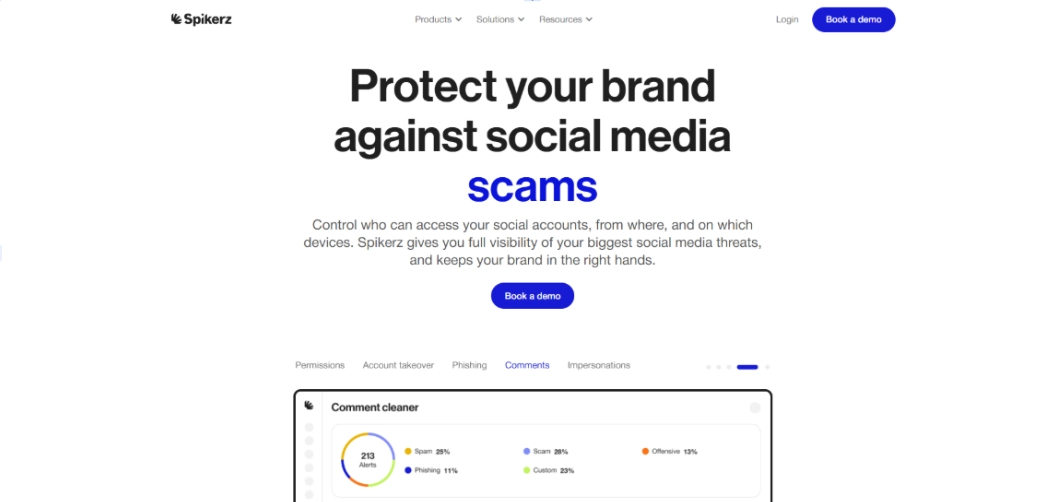
Spikerz is a social media security platform built to protect brands from threats that moderation tools often miss. We combine AI-powered comment moderation with phishing protection and account takeover prevention, so your Facebook page stays clean and your business stays safe.
Learn more about our dedicated Facebook comment moderation tool.
And specifically for brands running paid campaigns, our system scans every comment on ads, filtering scams, spam, and harmful replies before they reach your audience.
What does Spikerz have to offer?
- Account takeover protection: We monitor login activity and permission changes to detect takeover attempts before attackers lock you out of your own page.
- Impersonator takedown: Our team finds and removes fake accounts pretending to be your brand, protecting your customers from scams that borrow your name.
- Phishing protection: We block phishing links in comments, DMs, and ads, keeping scam traffic away from your followers.
- Comment moderation: Our AI filters spam, hate speech, and harmful replies across organic posts and paid ads automatically.
- Permissions management: We help you audit and control who has access to your Facebook assets, so a compromised employee account never turns into a full breach.
Who benefits the most from using Spikerz?
Spikerz works best for brands that spend real budget on Facebook ads and treat their social presence as a revenue channel. If you run lead generation, e-commerce, or high-volume organic campaigns, you need moderation that also defends against security threats. Our platform covers both sides.
2) Statusbrew
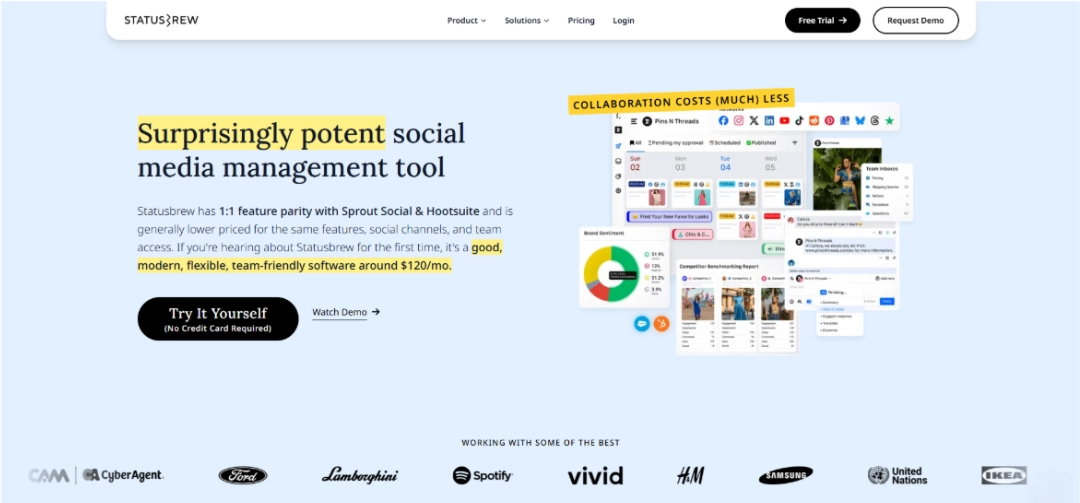
Statusbrew is a social media management platform that gives brands tools to organize and respond to conversations across channels. Its moderation features center on a unified inbox where teams can filter, hide, or assign comments based on custom rules.
For Facebook specifically, Statusbrew lets you set keyword-based rules to auto-hide or flag comments, route replies to specific team members, and track engagement patterns over time. Teams use it to bring order to high-volume inboxes.
What does Statusbrew have to offer?
- Social media management: You schedule, publish, and track posts across multiple networks from one dashboard.
- Community management: The unified inbox pulls comments and messages into one place where teams respond and moderate.
- Social media analytics: It pulls engagement, reach, and audience reports to measure how your content performs.
Who benefits the most from using Statusbrew?
Statusbrew works best for mid-size marketing teams that handle engagement across several social networks and need structured workflows. Also, brands focused on community growth and team coordination get the most value from it.
3) Sprout Social
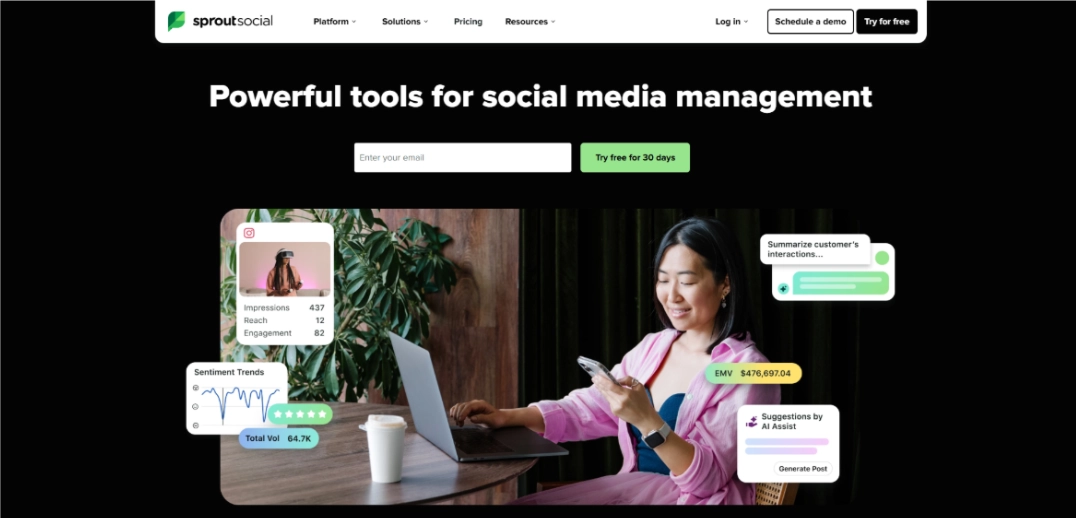
Sprout Social is an enterprise-grade social platform that pairs publishing and analytics with strong moderation features. Its Smart Inbox pulls every comment, mention, and message into one feed, which teams filter, assign, and moderate at scale.
For Facebook specifically, Sprout supports keyword-based auto-hide rules, sentiment tracking, and detailed reports on response times. Large teams rely on it because it helps them keep customer care and brand protection consistent across regions.
What does Sprout Social have to offer?
- Social media management: Plan, publish, and manage content across every major network from one place.
- Social performance: Track reach, engagement, and conversion metrics tied to each piece of content.
- Team efficiency: Workflow tools help assign, approve, and escalate messages inside large teams.
- Social commerce: Connect product catalogs and track revenue generated from social channels.
- Brand awareness: Listening tools show how your brand shows up in public conversations.
- Customer care: The inbox and CRM integration turn social interactions into support tickets your agents can close.
Who benefits the most from using Sprout Social?
Sprout Social works best for large brands and enterprises with dedicated social teams that treat social as a customer service and revenue channel. Companies that need deep reporting and cross-team workflows see the strongest return.
4) Buffer

Buffer is a social media management tool known for simple scheduling and clean analytics, with an engagement feed that supports basic comment moderation. Small teams and creators use it to plan content and reply to comments without leaving its dashboard.
For Facebook specifically, Buffer lets you monitor comments on published posts and respond from a single feed. It doesn’t offer deep rule-based moderation, but it covers the basics well for lean teams.
What does Buffer have to offer?
- Social media management: Schedule and publish posts across multiple networks from one place.
- Social media analytics: Get performance reports on reach, engagement, and follower growth.
- Content calendar: A visual planner helps you map out campaigns and posting schedules.
- Community management: The engagement feed lets you reply to Facebook comments and messages directly.
- Team collaboration: Multi-user access and approval flows support small distributed teams.
Who benefits the most from using Buffer?
Buffer works best for small businesses, solo creators, and lean marketing teams that value simplicity over advanced features. If your moderation needs are basic and your priority is consistent publishing, Buffer does that very well.
5) Hootsuite

Hootsuite is one of the oldest social media management platforms, with strong features for reputation management and multi-account oversight. Its streams-based dashboard lets teams track comments, mentions, and messages across dozens of accounts at once.
For Facebook specifically, Hootsuite supports keyword filters, assignment rules, and reputation monitoring across pages. Agencies and large brands use it to manage moderation across many clients or regions at the same time.
What does Hootsuite have to offer?
- Reputation management: Listening tools track brand mentions and flag negative sentiment in real-time.
- Market research: Analyze competitor activity, audience sentiment, and industry trends.
- Social media management: Schedule content, manage inboxes, and run analytics across many accounts from one dashboard.
Who benefits the most from using Hootsuite?
Hootsuite works best for agencies, enterprises, and brands that manage multiple Facebook pages or regional accounts. Also, teams that need reputation monitoring alongside day-to-day moderation find it fills both jobs well.
Conclusion
Your Facebook presence is an investment, and every unmoderated comment under your ads reduces its value. The good news is that the five tools in this post all help, but each solves a different part of the problem.
For example, Buffer and Hootsuite give you reach and convenience, Statusbrew and Sprout Social give you structure and reporting depth, and Spikerz gives you security. If your brand depends on Facebook ads and you need moderation that also defends against takeovers, impersonators, and phishing, we built our platform for exactly that job.
Pick the tool that matches what you are protecting. Your ad budget is more effective when the conversations around it stay clean, and your customers buy more when the feed around your brand is free of scams pretending to be you.
Want to go deeper? Download our complete comment moderation guide for brands.
And if Facebook is your brand’s main channel, keep reading: 8 ways to protect your Facebook account from hackers and social media in business: a double-edged sword.