Community Management Software's Dirty Secret (And The Fix)

Modern community management software must do far more than schedule posts—it needs real-time threat detection, account protection, and impersonation alerts to keep your brand safe in today's high-risk social landscape. Learn why most popular platforms fall short on security, what critical features to demand from your CMS tool, and which five platforms actually deliver the protection your social team needs to prevent costly crises before they happen.
Community Management Software's Dirty Secret (And The Fix)
Here's a hard truth most software vendors won't tell you.
Many popular community management tools don't offer real-time comment moderation. They can't alert you when someone impersonates your brand. And they leave your social accounts wide open to hackers.
That's a huge problem.
Social media teams today need more than just a dashboard to schedule posts and track mentions. They need protection. They need speed. They need to catch threats before they become crises.
In this post, we'll break down what community management software actually is, what happens when teams ignore their communities, and how to choose a platform that won't leave you exposed. Then, we'll share five tools that modern social teams swear by.
What is Online Community Management Software?
Online community management software helps businesses monitor, engage with, and protect their online communities. These platforms let teams respond to comments, moderate conversations, track brand mentions, and manage customer interactions across multiple channels. Some even help protect your accounts from cyber threats like phishing, impersonation, and account takeovers.
The goal? Build trust with your audience and keep your brand safe from the chaos that can unfold in comment sections and DMs.
What Can Happen If Social Media Teams Don't Manage Their Communities?
Ignoring your community is like leaving your storefront door unlocked overnight. Bad things can happen.
Bad Customer Experience

73% of social media users agree that if a brand doesn't respond on social media, they'll buy from a competitor. That's nearly three out of four potential customers walking away because no one replied.
Expectation Gap
According to the Q2 2025 Sprout Pulse Survey, 58% say the #1 thing brands should prioritize on social is interacting with their audiences. On top of that, 76% of consumers value how quickly a brand can respond to their needs, while 70% expect a company to provide personalized responses.
That's a lot of pressure on social teams. But it doesn't stop there.
Spam And Scams Magnets
Unmoderated communities eventually become magnets for spam, scams, and impersonators. For example, phishing links spread in comments, fake accounts pretend to be your brand or employees to trick customers, and if your account gets hacked, you could lose years of content, followers, and trust in minutes.
The bottom line: managing your community isn't optional anymore. It's essential.
What Your Social Media Team Should Know When Choosing A Platform
Not all community management tools are built the same. Before you pick one, look for:
- Real-time comment moderation. Threats don't wait for your next scheduled review. You need a tool that catches spam, phishing links, and hate speech as soon as they appear.
- Account takeover protection. Hackers target social accounts daily. Look for platforms that monitor login activity and alert you to suspicious behavior before you lose access.
- Impersonator detection. Fake accounts damage your reputation and scam your followers. The right tool should find and flag impersonators automatically.
- Multi-platform support. Your community lives on Instagram, TikTok, Facebook, YouTube, and more. Your tool should cover all of them in one place.
- Phishing link detection. Comment sections are full of malicious links. Your platform should scan for them and remove them fast.
- User permission management. Your team needs to have visibility and control over who can access your social media accounts.
- Ease of use. If your team can't figure out the software, they won't use it. Look for clean dashboards and simple workflows.
- Scalability. Your community will grow. Make sure your tool can grow with it.
5 Best Community Management Tools (That Pros Actually Use)
Unfortunately, some of the most popular software out there fails to provide real-time comment moderation, impersonator alerts, and account takeover protection (even though these features are critical for modern social teams). But the following tools all deliver where it counts:
1) Spikerz
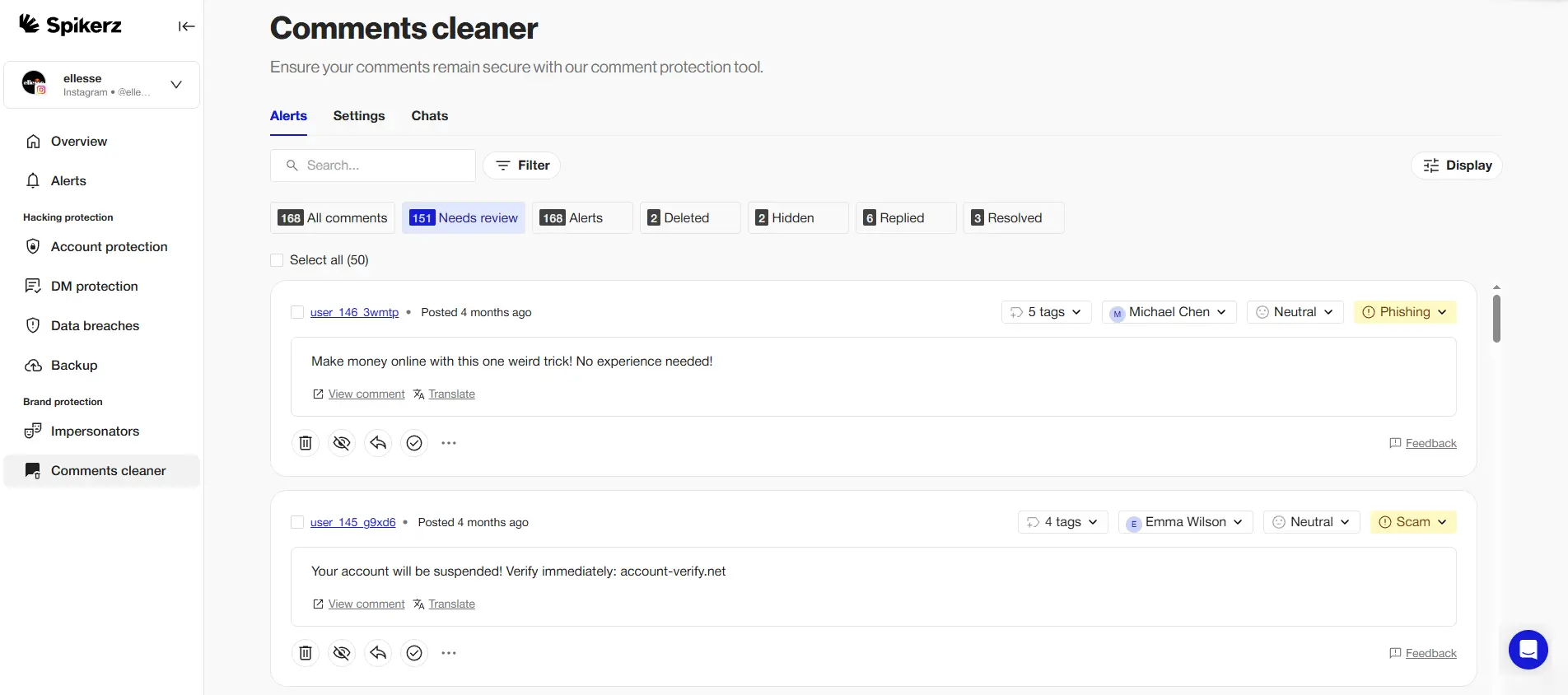
Spikerz is a social media security platform built for brands and creators who take their online presence seriously.
We help social media teams manage their communities with real-time comment moderation that catches spam, phishing links, hate speech, and scams the moment they appear. That means, no more manually scrolling through thousands of comments hoping to catch a threat.
But community management is only a small part of the equation. Spikerz also protects your social media profiles from hacks and phishing attacks. We monitor for impersonators pretending to be your brand, detect suspicious login activity, and alert you before hackers take over your accounts.
Why does this matter?
Just look at what happened to McDonald's. In 2024, hackers hijacked the fast-food giant's Instagram account and used it to promote a crypto scam called "Grimace." Before the team regained control, the scammers had already walked away with over $700,000 from victims who trusted the McDonald's brand.
Pros:
- Real-time comment moderation across platforms
- Account takeover and phishing protection
- Impersonator detection and alerts
- Easy-to-use dashboard
- Built for social teams and creators
Cons:
- Focused specifically on social media security (not a full marketing suite)
Best For:
Brands, agencies, and creators who want proactive protection (not just a scheduling tool).
2) Khoros

Khoros is an enterprise-level platform designed to help social media teams build, host, and manage online communities at scale. It combines community forums, social media management, and customer care tools in one place. Brands can create branded community spaces where customers interact with each other and with the company.
Pros:
- Robust community-building features
- Integrates social media management with customer support
- Scalable for large enterprises
- Advanced analytics and reporting
Cons:
- High price point
- Steep learning curve for new users
- May be overkill for smaller teams
Best For:
Large enterprises that want to build dedicated community forums alongside their social media presence.
3) Bettermode
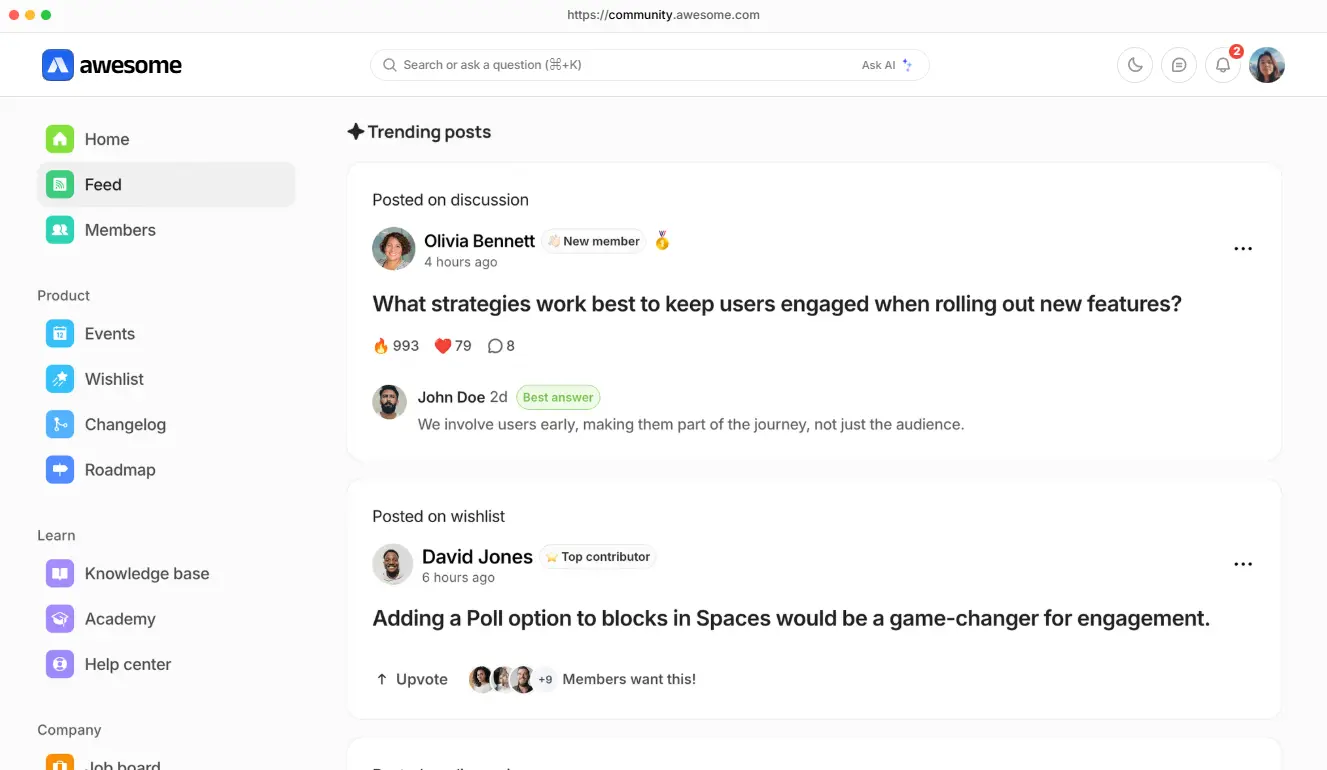
Bettermode (formerly Tribe) helps businesses create customizable community platforms where customers can connect, ask questions, and share knowledge. It's built for brands that want a dedicated community hub outside of traditional social media channels.
Pros:
- Highly customizable community spaces
- Built-in gamification features to boost engagement
- Integrations with popular business tools
- Clean, modern interface
Cons:
- Limited social media moderation features
- Not built for traditional social platforms like Instagram or TikTok
- Requires investment to customize fully
Best For:
SaaS companies and brands that want to build a standalone community portal separate from social media.
4) Sprout Social
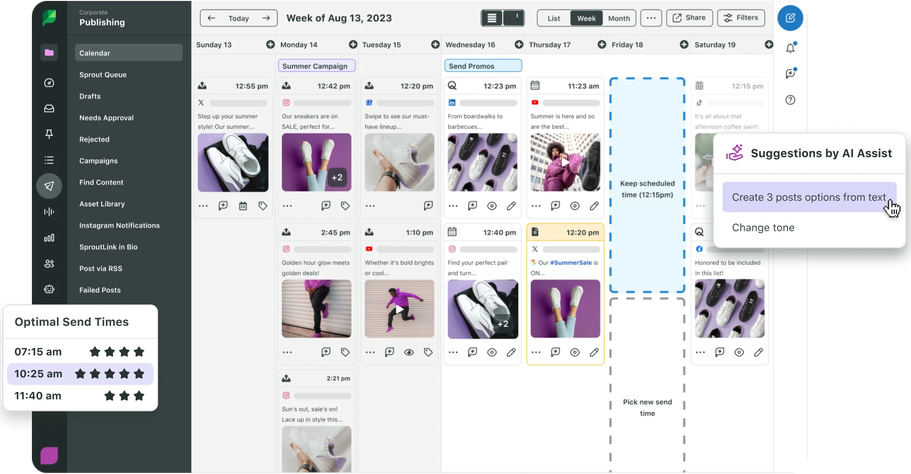
Sprout Social is one of the most well-known social media management platforms on the market. It helps social media teams schedule content, manage publishing calendars, and engage with their online communities across multiple platforms. Its unified inbox makes it easy to respond to comments and messages in one place.
Pros:
- Intuitive, user-friendly interface
- Strong scheduling and publishing features
- Unified inbox for multi-platform engagement
- Solid analytics and reporting
Cons:
- Lacks real-time threat detection (phishing, scams)
- No account takeover protection
- Pricing can add up quickly for larger teams
Best For:
Marketing teams focused on content scheduling and social engagement who don't need advanced security features.
5) Sprinklr
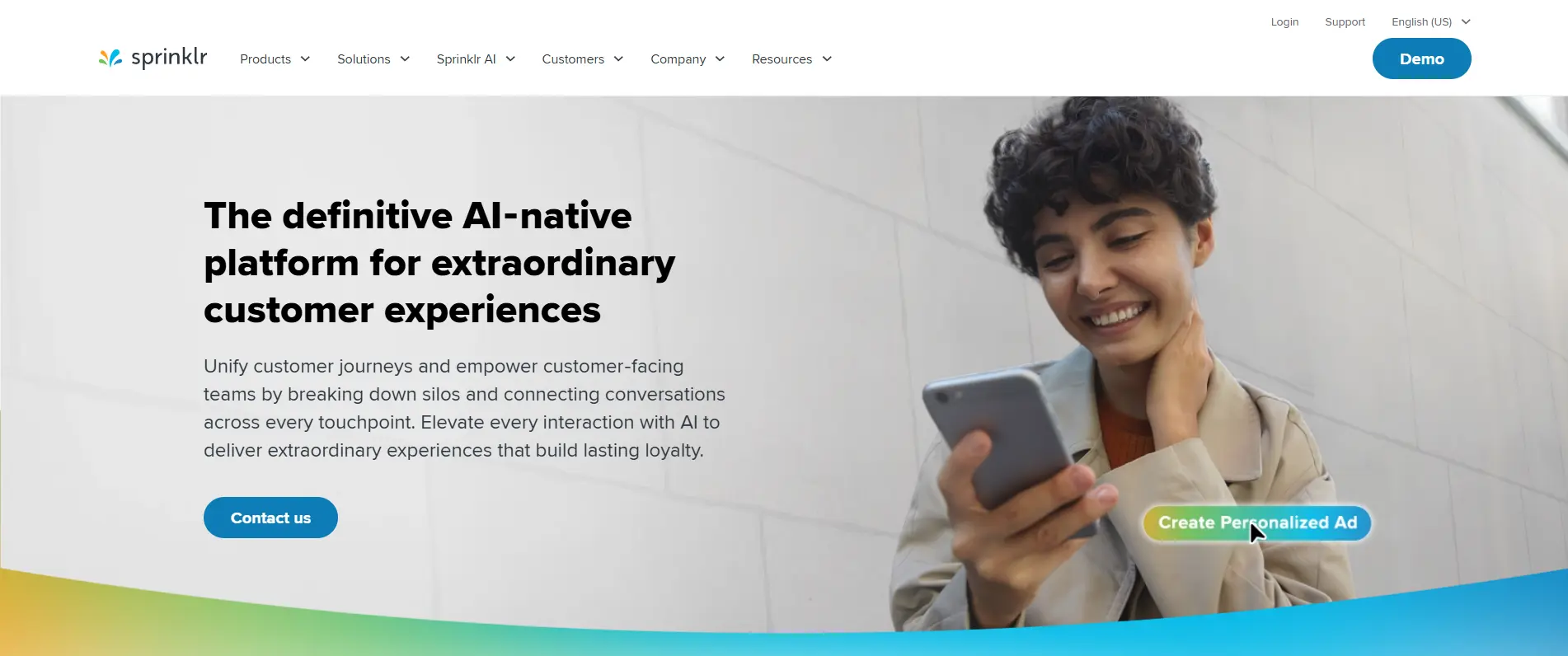
Sprinklr is an enterprise-grade platform that helps social media teams break down silos, view conversations across channels, and manage online communities from a single dashboard. It's built for large organizations that need to unify their customer experience across social, messaging, and support channels.
Pros:
- Unified view of customer conversations across channels
- Powerful AI-driven insights
- Highly scalable for global teams
- Strong workflow and collaboration features
Cons:
- Complex setup and onboarding
- Expensive for smaller businesses
- Can feel overwhelming for teams that don't need enterprise-level features
Best For:
Large enterprises that need to manage customer conversations across dozens of channels and teams.
Conclusion
Community management isn't just about replying to comments and clearing out spam anymore. Today's social media is faster, riskier, and more demanding than ever.
Customers expect quick, personalized responses. Hackers are actively targeting brand accounts. Impersonators are scamming your followers. And one unmoderated phishing link can spiral into a full-blown crisis.
That's why the tools you use matter. Most popular platforms still don't offer real-time comment moderation, impersonator alerts, or account takeover protection. That's a gap you can't afford to ignore.
So, look for software that does more than schedule posts. Look for platforms that protect your community, your accounts, and your reputation. Whether you go with Spikerz, Khoros, Bettermode, Sprout Social, or Sprinklr, make sure your tool matches the threats you're actually facing.
