How to spot bots on YouTube


YouTube bots leave generic comments, use stolen or blank profile pictures and inflate views and likes. Learn the signs that give them away, how to report and filter them, and how to keep bot comments off your channel.
YouTube bots are automated accounts run by software instead of real people. They post comments, leave likes, subscribe and rack up views at a scale no human could match. They flood comment sections because comments are where people look and click: bot operators use them to push scam links, phishing pages, crypto giveaways and fake promotions, to make a channel or video look more popular than it is, or to steer viewers toward accounts that impersonate the creator. The good news is that most bots leave clear clues, and once you know what to look for, they're fairly easy to spot.
Picture Lisa, a new vlogger whose DIY crafts video suddenly takes off overnight. She opens the comments expecting feedback and instead finds a wall of generic praise and suspicious links. That's a typical first run-in with YouTube bots, and it's why telling real interactions from automated ones matters for both creators and viewers. Here's how to do it.
What are bots on YouTube?
Bots are automated scripts built to imitate human activity on digital platforms. Each one is designed for a specific purpose, whether that's inflating numbers, spreading links or copying a real person's identity.
The online world runs on perception. A video that looks popular attracts more clicks, and bots exploit that by making content seem more engaged than it really is. Their impact goes beyond inflated metrics: they shape what viewers believe, divert real traffic and can carry real security threats.
For a deeper look at how they work, see Wikipedia's thorough overview on internet bots.
How to spot a bot account on YouTube
Profile pictures are often the first giveaway. Bots tend to recycle images: stock photos, default icons, attractive photos stolen from real profiles, or pictures that match the comment's sales pitch. If a profile picture looks overly familiar, too polished or too generic, it's worth a closer look.
The channel behind the comment tells you a lot too. A real person's channel usually shows some history, like playlists, subscriptions, uploads or a consistent name and bio. Bot channels tend to be empty, newly created or filled with content that has nothing to do with the name on the account. Many also use names made of random letters and numbers, or names that copy a well-known creator with a small change.
Finally, look at timing. Real engagement has a human rhythm that's uneven and spread out. Bots don't work that way. You might see a flood of comments, likes or shares from accounts like these, all landing within a very short window.
How to spot a bot in YouTube comments
A genuine comment usually reflects what the viewer actually watched. Bots can't do that, so they post generic praise that would fit any video on the platform, such as "Fantastic video!" or "This is awesome!" with no specific detail.
Repetition is another strong signal. People rarely post identical comments across different videos, but bots do. If you see the same sentence, word for word, on multiple videos or channels, you're looking at a script being spread as widely as possible.
Many bot comments exist to get you off YouTube. They try to lure viewers into clicking external links or messaging an account on another app, and those links can lead to spammy sales pages, phishing sites or malware downloads. Spotting the bot matters, but so does staying safe: don't click links in comments from accounts you don't recognize. Our guide to detecting phishing on social media explains how to recognize these traps.
Metric discrepancies are signs of bots
Real popularity is a mix of views, likes, shares and comments that tend to move together. It's suspicious when a video has a very high view count but barely any other engagement. Bots can pump up views, but they struggle to copy the full picture of human engagement, which leaves obvious imbalances.
Timing gives bots away here too. People watch a video, think about it and then react. Bots skip straight to the reaction. Detailed comments that appear within moments of a long video going live are a dead giveaway, because nobody could have watched it yet.
Tools can help with the cleanup. Platforms like our social media security app, Spikerz, use AI comment moderation to automatically hide spam, scam and phishing comments, which is where much of the damage from bot activity shows up.
Your own judgment still matters most. When a comment feels off, a profile looks suspicious or an interaction seems forced, it usually is.
How to prevent bots on YouTube
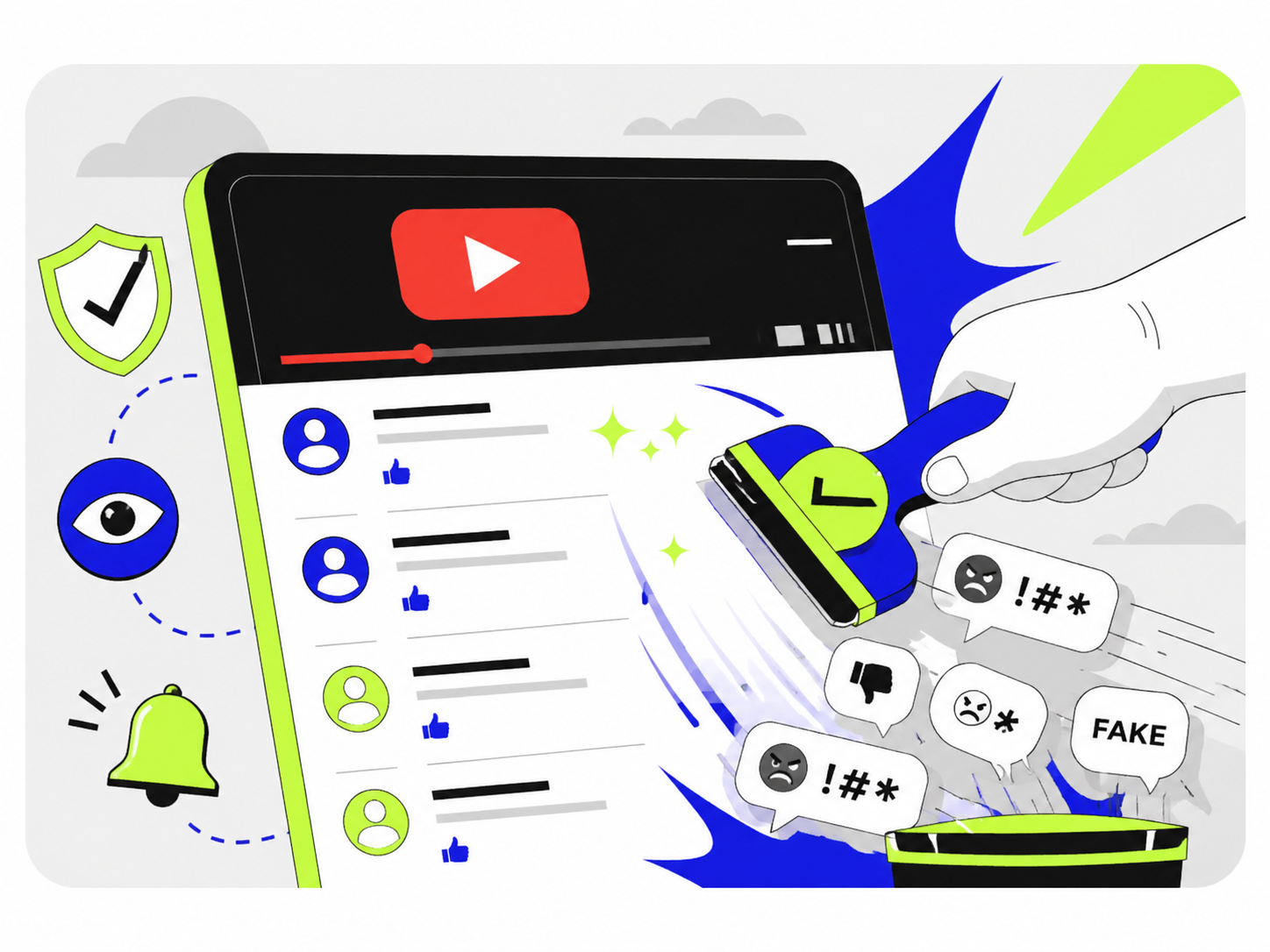
Spotting bots is only half the job. Once you've identified them, report them. It cleans up your own experience and helps YouTube keep the platform a space for real creators and viewers.
YouTube's detailed guide on reporting explains the steps.
There are also several ways to clean up your channel and keep bots under control. Here's how.
1. Use YouTube's built-in tools
YouTube knows bots are a problem and gives creators and viewers built-in tools to deal with them.
Report suspicious activity
If a comment or a user seems suspicious, report it. Open the three-dot menu next to the comment, select "Report" and choose the reason.
Comment filters
In your YouTube Studio, open the community settings. There you can add blocked words and phrases that bots commonly use, and hide specific users so their comments don't appear on your channel. For more detail, see our guide on how to remove YouTube spam comments.
2. Use a social media security app
Third-party tools can take on much of the manual work of keeping comment sections clean. Spikerz, for example, uses AI comment moderation to hide spam, scam comments, phishing links and hate speech on YouTube, and you can set custom rules in plain language so it fits your channel.
Spikerz is built specifically for social media security. It connects to YouTube through the official platform API, so you never have to share your password, and it works across Instagram, Facebook, TikTok, LinkedIn and X as well. Alongside comment moderation, it also protects accounts from takeovers and impersonators, which is useful because bot activity often goes hand in hand with those threats.
3. Limit your comment section (temporarily)
If you're dealing with an overwhelming wave of bot comments, consider limiting your comment section for a while.
Hold comments for review
In YouTube Studio, you can change your comment settings so that more comments, or all of them, are held for review before they appear. You can then approve or remove them from the "Held for review" tab in the comments section. This gives you much more control and stops bots from running wild.
Disable comments
Turning off comments on specific videos is a more drastic step, but it stops bots immediately. Treat it as a temporary measure until the wave dies down.
4. Tighten your channel's privacy settings
Bots and the people behind them often rely on publicly available information. Reviewing your channel's settings can make you a less convenient target.
Control embedding
In YouTube Studio, you can turn off embedding for individual videos in each video's details. This limits where your content can be played outside YouTube, including on low-quality sites.
Keep your subscriptions private
Keeping your subscriptions private reduces how much of your activity is visible to anyone looking at your account. You'll find this option in YouTube's Privacy Settings.
5. Engage with your real audience
An active, engaged community is one of the best defenses against bots. Interact with your genuine viewers regularly and encourage them to report suspicious comments and accounts. When your community helps keep an eye on things, your channel becomes a much harder target.
6. Stay up to date on bot behavior
Bots keep evolving as platforms change their algorithms and rules. Following forums, news and articles about bot behavior helps you stay ahead. Sites like Social Media Today often cover the latest bot and spam tactics.
Takeaway
Bots are an ongoing challenge on YouTube and across social media. They mimic human interaction, distort metrics and pose real security risks, which makes them disruptive in a community that's otherwise creative and engaging.
Once you know how to spot them and have the right tools to limit their influence, both creators and viewers can keep the YouTube experience authentic. Platforms like Spikerz help by keeping spam and scam comments out of sight and protecting the accounts behind your channel.
As Lisa's story shows, real interaction is worth protecting. With some vigilance and a few proactive steps, you can keep YouTube a place where creativity thrives and real voices are heard.
Want to learn more about protecting your social media? Book a consultation and we'll be glad to show you.