Top 8 Tools for Social Media Comment Moderation

Summary:
Discover the best social media comment moderation tools for protecting your brand from spam, phishing, bots, and harmful content. Compare the top platforms, their key features, ideal use cases, and find the right solution to keep your communities safe and engaged.
Engagement is the lifeblood of social media, but there is a thin line between an active community and an unmoderated mess.
As brands move more toward lo-fi, ugc content and influencer-led campaigns, they need to pay closer attention to their comment sections. In many ways they are the new storefront. But when that storefront is cluttered with bot comments, hate speech, and competitor spam, even your most loyal followers will stop engaging.
That’s why in this post we break down the 8 best tools for helping brands clean up their comment sections across Facebook, Instagram, TikTok, YouTube, and other major platforms. You'll see what each platform offers, who benefits most from using it, and how they compare side by side.
TLDR:
The simple truth is, your social media profiles are the new storefront and comment sections are where your prospects and customers and clients hang out. And unfortunately, a mess of bots, phishing links, and hate speech will chase your best customers away.
This post rounds up 8 tools that help brands clean things up across all major platforms. Here’s our recommendation for each one:
- Spikerz is the best option for security-first moderation (AI filtering, phishing protection, impersonator takedowns, account lockdown).
- BrandBastion and Sprout Social handle enterprise-scale comment volumes.
- Loomly, Buffer, and Zoho Social work for smaller teams that mostly need scheduling with light moderation on the side.
- Statusbrew is built for agencies juggling multiple clients.
- Brandwatch fits research-heavy enterprises that treat social data as a strategic asset.
Pick the one that matches the threat hitting your brand the hardest.
Comparison: Best Tools for Social Media Comment Moderation
8 Best Tools for Social Media Comment Moderation
Every tool on this list helps brands of all sizes clean up their comment sections to build thriving communities and drive higher ROI from their social investments. Some lean hard on security, others focus on scheduling and reporting, and a few try to cover both ends. Pick the one that matches the threat you face most often.
1) Spikerz

Spikerz is a social media security platform that protects brands from hacking, phishing, impersonators, and harmful comments.
Our Comment Cleaner uses AI to automatically detect and hide hate speech, scams, bots, phishing attempts, and spam. You can customize blocking rules using plain language examples, and the system understands vocabulary, slang, emojis, and nuance across more than 25 languages.
What Does Spikerz Have To Offer?
- Account takeover protection: Spikerz eliminates the need for shared credentials and locks down 2FA, blocking hackers from hijacking your Instagram, TikTok, or X accounts even when your team grows or changes.
- Impersonator takedown: Our AI-powered detection engine finds fake profiles copying your brand and automates the removal process through pre-built platform workflows, hitting a 95%+ takedown rate on Meta.
- Phishing protection: Spikerz scans DMs and comments for phishing links and filters them out before your team or followers fall for them.
- Comment moderation: Our Comments Cleaner automatically hides harmful comments, supports custom brand rules, and works across Instagram, TikTok, Facebook, YouTube, LinkedIn, and X from one dashboard.
- Permissions management: Get full visibility over who has access to your social accounts, revoke access instantly when someone leaves, and shut down insider threats before they cause damage.
Who Benefits The Most From Using Spikerz?
Spikerz works best for brands that treat social media as a serious revenue channel. Marketing teams, agencies, talent managers, and security leaders rely on it to protect high-value accounts, block coordinated attacks, and stop phishing campaigns that target their audience.
If your brand runs paid campaigns, works with influencers, or handles heavy DM traffic, Spikerz gives you the security layer native platforms do not provide.
2) Loomly

Loomly is a social media management platform built around content planning, approval workflows, scheduling, and publishing. Its community management feature pulls comments and messages from connected accounts into one inbox so your team can reply, moderate, or flag issues without jumping between tabs.
What Does Loomly Have To Offer?
- Social media post planning and scheduling: Plan posts weeks ahead and publish them automatically across Facebook, Instagram, LinkedIn, and other networks.
- Social media collaboration and approval workflows: Route posts through approvers before they go live, keeping agencies and clients aligned.
- Social media campaign management: Group related posts into campaigns and track their performance from one place.
- Social media analytics and reports: See post performance, audience growth, and engagement metrics at a glance.
- Social media community management: Respond to comments and messages across connected accounts without switching tools.
- Social media content creation: Get post ideas, templates, and hashtag suggestions to speed up production.
Who Benefits The Most From Using Loomly?
Loomly works best for small to mid-sized marketing teams and agencies that need structure around their content calendars. If your bottleneck is approvals, scheduling, and keeping clients in the loop, Loomly handles the workflow side well.
3) BrandBastion

BrandBastion is a managed social engagement service that combines AI moderation with human agents to handle high-volume comment sections. It focuses on removing harmful content, replying to customers, and protecting brands during campaigns or crises. The platform covers Facebook, Instagram, TikTok, YouTube, X, and LinkedIn.
What Does BrandBastion Have To Offer?
- Reputation+: Monitors comments and ads around the clock, hiding spam, hate, and harmful content before it damages your brand.
- Agent+: Human moderators trained on your brand voice respond to customer questions and flag issues your team needs to handle.
- Engage+: Tracks sentiment, engagement trends, and community health so you can spot PR risks early.
Who Benefits The Most From Using BrandBastion?
BrandBastion works best for enterprise brands running paid campaigns at scale, especially those with massive comment volumes on Meta and TikTok. That said, consumer brands, entertainment companies, and political organizations use it to protect ad spend and manage sensitive conversations.
4) Zoho Social

Zoho Social is part of the broader Zoho business suite, offering scheduling, monitoring, and collaboration features for social teams. Their monitoring tool tracks brand mentions, keywords, and comments so you can jump in when conversations need attention. That said, the moderation side relies on manual review instead of automated AI filtering.
What Does Zoho Social Have To Offer?
- Schedule: Plan and publish posts across multiple platforms from a single calendar view.
- Inbox: Manage incoming messages, comments, and mentions in one unified feed.
- Monitor: Track keywords, hashtags, and brand mentions across connected platforms.
- Collaborate: Assign tasks, share drafts, and coordinate with teammates inside the platform.
- Analyze: Generate reports on engagement, audience growth, and content performance.
Who Benefits The Most From Using Zoho Social?
Zoho Social makes sense for small businesses and agencies already using other Zoho tools like CRM or Desk. The pricing is friendly, and the integration with the rest of the Zoho ecosystem cuts down on tool sprawl. That said, brands needing deep automated comment moderation should look at other options on this list.
5) Buffer

Buffer started as a simple scheduling tool and has grown into a broader social media management platform. Its engagement features let you reply to comments across connected accounts, but the product leans more toward publishing and analytics than aggressive moderation. Buffer supports Instagram, Facebook, LinkedIn, X, TikTok, Pinterest, Bluesky, and many more.
What Does Buffer Have To Offer?
- Social media management: Schedule, publish, and manage posts across multiple networks from one dashboard.
- Social media analytics: Track performance metrics and build custom reports for clients or stakeholders.
- Content calendar: Visualize your posting schedule and rearrange content with drag-and-drop editing.
- Community management: Reply to comments and DMs on Instagram, Facebook, and other connected platforms.
- Team collaboration: Share drafts, assign approvals, and keep teammates aligned on campaigns.
Who Benefits The Most From Using Buffer?
Buffer works best for solo creators, freelancers, and small marketing teams that want a clean, affordable tool without a steep learning curve. If your main need is publishing consistently and tracking basic engagement, Buffer is a no brainer.
6) Statusbrew

Statusbrew combines social media management with moderation rules that automatically hide or delete comments based on keywords and filters. You can set up rules once and let the system handle repetitive moderation across Facebook, Instagram, LinkedIn, YouTube, and X. The platform also includes publishing, reporting, and team collaboration features.
What Does Statusbrew Have To Offer?
- Publish: Plan and schedule content across platforms with a shared editorial calendar.
- Engage: Manage comments, DMs, and mentions in one inbox with automated moderation rules.
- Report: Build performance reports for individual accounts, campaigns, or full client portfolios.
Who Benefits The Most From Using Statusbrew?
Statusbrew works best for agencies managing multiple client accounts and mid-sized brands that want rule-based moderation without hiring a managed service. Very large enterprises may outgrow the tool fast.
7) Brandwatch

Brandwatch is a social listening and consumer intelligence platform that helps brands track conversations, monitor competitors, and analyze audience sentiment. Its moderation features sit inside the broader social media management tool, letting you spot and respond to harmful comments as part of a bigger listening strategy.
What Does Brandwatch Have To Offer?
- Consumer intelligence: Analyze millions of social conversations to understand audience sentiment and trends.
- Search intelligence: Track how people search for your brand and industry across the web.
- Social media management: Schedule posts, manage engagement, and moderate comments from one hub.
- Influencer marketing: Find, vet, and measure influencers for your campaigns.
- Media intelligence and insights: Monitor news coverage, PR mentions, and share of voice against competitors.
Who Benefits The Most From Using Brandwatch?
Brandwatch works best for large enterprises, research firms, and global brands that treat social data as a strategic asset. If your team runs competitive analysis, tracks campaign impact across markets, or needs deep sentiment insights, Brandwatch will provide it without any issues.
8) Sprout Social
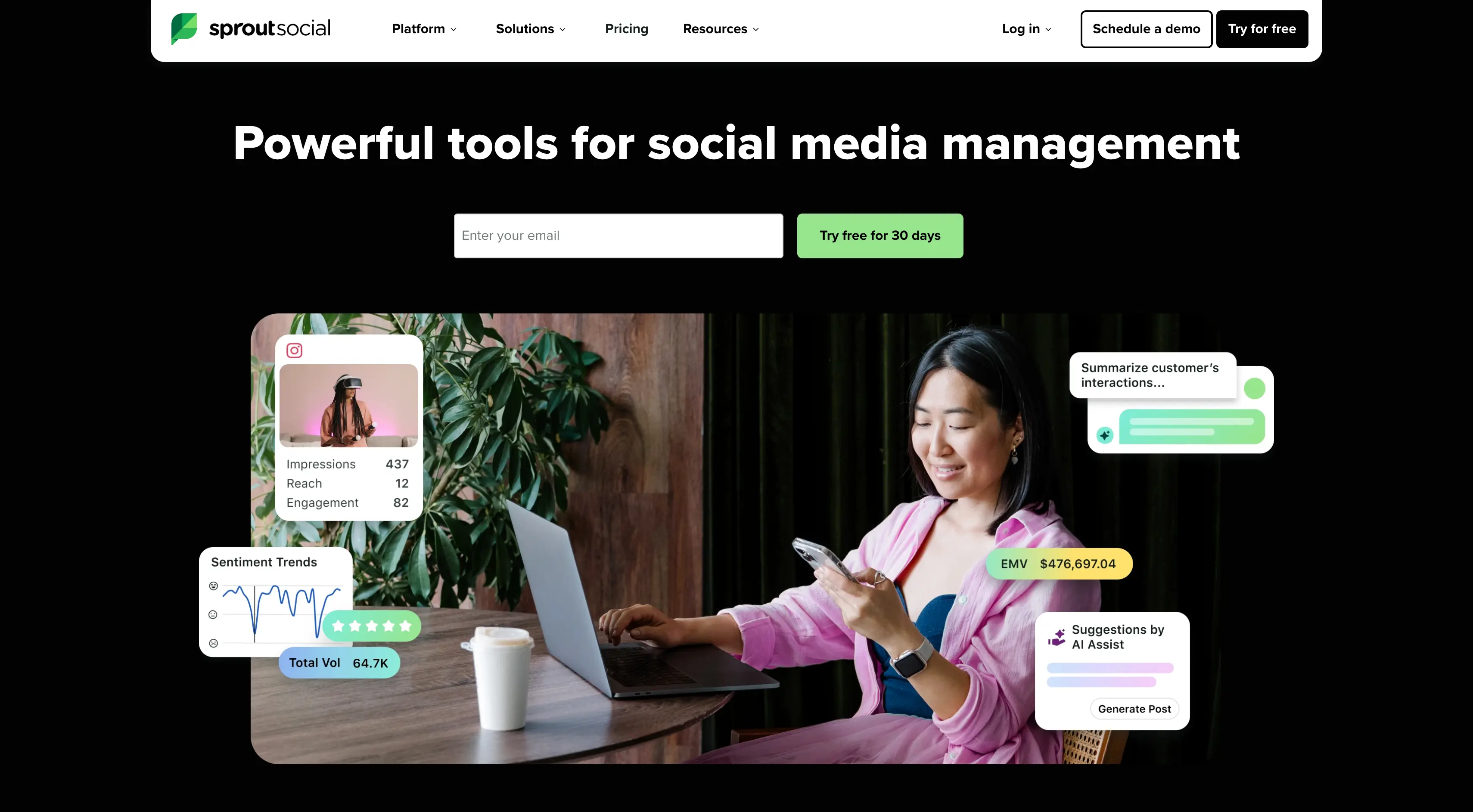
Sprout Social is a full-featured social media management platform with strong publishing, engagement, and analytics tools. Its Smart Inbox centralizes messages and comments from connected accounts, and automated rules can route, tag, or hide content based on keywords. Sprout Social covers Bluesky, Instagram, Facebook, TikTok, Threads, YouTube, LinkedIn, X, Pinterest, and many more.
What Does Sprout Social Have To Offer?
- Social media management: Publish, schedule, and manage posts across every major network.
- Social performance: Track engagement, reach, and campaign ROI with detailed reports.
- Team efficiency: Assign conversations, track response times, and keep moderators aligned.
- Social commerce: Connect product catalogs to social posts and track sales attribution.
- Brand awareness: Monitor mentions, hashtags, and competitor activity.
- Customer care: Manage support conversations across social channels with ticketing and escalation tools.
Who Benefits The Most From Using Sprout Social?
Sprout Social works best for mid-sized to enterprise brands with dedicated social teams and customer care operations. If you need to manage heavy message volume, route conversations to the right people, and report on performance at scale, go with Sprout Social. It’s arguably the best solution in the market for that.
Conclusion
Choosing a comment moderation tool depends on what matters the most to your brand. For example:
- If your biggest headache is disorganized publishing, Loomly, Buffer, or Zoho Social will tidy up your workflow.
- If you need help managing huge comment volumes on paid campaigns, BrandBastion or Sprout Social offer the scale and support that enterprise brands need.
- If you need help managing comments, stopping hackers, phishing links, or coordinated impersonator attacks, go with Spikerz. Spikerz handles those threats directly, giving you AI-powered comment filtering, account takeover protection, impersonator takedowns, and permissions management inside one platform.
Just pick the tool that matches your business goals and you’ll be fine.
