5 Best SocialBee Alternatives for Comment Moderation


Summary:
SocialBee excels at scheduling and reporting, but leaves a critical gap when comments flood in and spam threatens your brand safety. Discover five platforms that pair with your publishing tool to handle moderation, filter malicious content, and protect your community—each built for different team sizes and security needs. Learn which alternative matches your workflow, from enterprise-grade customer care systems to AI-powered spam detection that stops phishing links before they reach your followers.
SocialBee works well for scheduling posts, creating content, and pulling together performance reports. But when comments start pouring in or suspicious DMs hit your inbox, the platform leaves you without a real moderation workflow. As a result, brands that rely on SocialBee often end up doing manual cleanup across tabs, which slows response times and leaves openings for spam, scams, and impersonators.
If you manage social media for a business, you already know that unmoderated comments damage trust and hurt conversions. A single phishing link in your reply section can reach thousands of followers before you catch it. That's why it’s key to pair your publishing tool with a platform built for moderation.
In this post, we'll walk you through five SocialBee alternatives that handle comment moderation, direct message filtering, and community safety. You'll see what each platform offers, who benefits most, and how they compare side by side.
1) Spikerz

Spikerz is a social media security and moderation platform built for brands, creators, and agencies that need to protect their accounts and keep conversations clean. We help teams filter spam, block phishing attempts, and shut down impersonators before they damage your reputation. The way we do it is, our AI reads every comment and DM, flags harmful content, and removes it without forcing your team to check replies one by one.
What Does Spikerz Have To Offer?
Our platform combines security features with moderation tools in a single dashboard. Here's what you get:
- Account takeover protection: Blocks unauthorized login attempts and alerts you the moment someone tries to hijack your account.
- Impersonator takedown: Finds fake accounts mimicking your brand and files removal requests with the platforms on your behalf.
- Phishing protection: Detects malicious links in comments and DMs, then hides them before your team and followers click through.
- Comment moderation: Uses AI to filter spam, hate speech, and scam attempts across Instagram, X, TikTok, Facebook, YouTube, and LinkedIn.
- Permissions management: Controls who on your team can access which accounts and what actions they can take. It also allows you to revoke access whenever someone leaves your organization.
Who Benefits The Most From Using Spikerz?
Brands with active audiences and high comment volume get the most out of Spikerz. Agencies managing multiple client accounts also benefit from our permissions system that keeps each account separated and secure. Lastly, creators with engaged followings use Spikerz to stop impersonators from scamming fans with fake giveaways and profiles.
2) Hootsuite
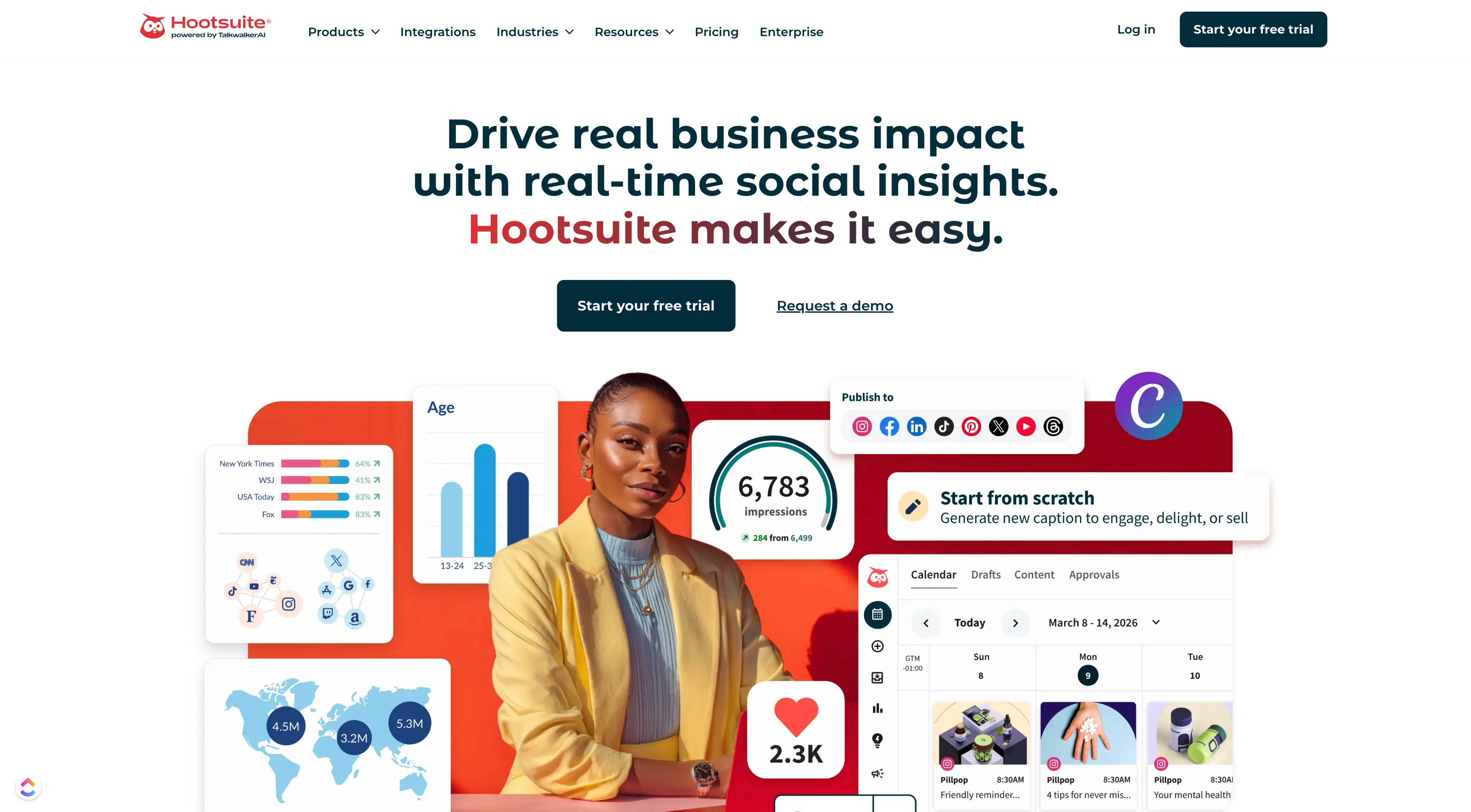
Hootsuite is one of the oldest social media management platforms on the market. It handles scheduling, listening, and analytics across major networks, and its inbox feature lets you respond to comments and messages from one dashboard.
What Does Hootsuite Have To Offer?
Hootsuite packages several tools under one subscription. Their core features include:
- Reputation management: Tracks brand mentions across platforms so you can respond to complaints or negative press quickly.
- Market research: Monitors conversations around your industry, competitors, and products to guide your content strategy.
- Social media management: Schedules posts, manages a unified inbox, and reports on performance across connected accounts.
Who Benefits The Most From Using Hootsuite?
Mid-sized marketing teams that need a general-purpose platform get good value from Hootsuite. It works well for brands that want listening, publishing, and basic community management without jumping between tools.
Companies with dedicated social media managers also use it to coordinate campaigns across departments. If your main concern is advanced spam filtering or account security, Hootsuite alone won't cover those gaps.
3) Sprout Social

Sprout Social focuses on customer experience and team collaboration. Its smart inbox pulls messages, comments, and mentions into one feed, and agents can assign conversations, tag them, and track response times. The platform also supports rule-based moderation, letting you hide or delete comments that match specific patterns.
What Does Sprout Social Have To Offer?
Sprout Social packs a wide feature set for larger teams:
- Social media management: Schedules content, manages approvals, and runs multiple brand accounts from one workspace.
- Social performance: Reports on engagement, reach, and campaign results with custom dashboards.
- Team efficiency: Distributes workload across agents with task assignments and collision detection to prevent double replies.
- Social commerce: Connects your Shopify or Facebook store so agents can handle orders and product questions from the inbox.
- Brand awareness: Tracks mentions, hashtags, and share of voice across networks.
- Customer care: Routes support tickets from social channels into your CRM for follow-up.
Who Benefits The Most From Using Sprout Social?
Enterprise brands with customer support teams handling social media get the most from Sprout Social. Retail companies, SaaS businesses, and B2B firms use it to turn comments and DMs into tracked support cases. Teams that need detailed reporting for executives also lean on their advanced analytics.
Note: Smaller brands may find the price tag too steep compared to other alternatives.
4) Loomly

Loomly started as a content calendar tool and grew into a full publishing platform. It shines at approval workflows, making it popular with agencies and in-house teams that need sign-off before posts go live.
What Does Loomly Have To Offer?
Loomly covers the publishing and collaboration side of social media work:
- Social media post planning and scheduling: Plans content across platforms with a visual calendar and post previews.
- Social media collaboration and approval workflows: Routes drafts through reviewers and captures feedback before publishing.
- Social media campaign management: Groups posts into campaigns and tracks their performance together.
- Social media analytics and reports: Shows post-level metrics and exports reports for clients or managers.
- Social media community management: Pulls comments and DMs into one inbox for team replies.
- Social media content creation: Generates post ideas, suggests hashtags, and stores assets in a media library.
Who Benefits The Most From Using Loomly?
Small agencies and marketing teams with client approval needs get the most out of Loomly. Its workflow system cuts back-and-forth email chains by keeping every draft, comment, and approval in one place. Also, freelancers managing a handful of accounts use it to stay organized without having to pay enterprise prices.
Note: Teams that need heavy spam filtering or account security will have to pair Loomly with a dedicated moderation tool.
5) Buffer

Buffer built its reputation on simplicity. The platform focuses on publishing, analytics, and light engagement features, making it popular with small businesses and solo creators. Buffer's engagement tool shows comments on your recent posts so you can reply without having to open each platform.
What Does Buffer Have To Offer?
Buffer keeps its feature set focused on scheduling, collaboration, and engagement:
- Social media management: Schedules posts, drafts content, and publishes across connected accounts.
- Social media analytics: Tracks post performance and audience growth with visual reports.
- Content calendar: Displays scheduled content in a weekly or monthly view for quick planning.
- Community management: Lists recent comments so you can reply, like, or hide them from the dashboard.
- Team collaboration: Shares accounts with teammates and assigns posting or approval permissions.
Who Benefits The Most From Using Buffer?
Solopreneurs, small businesses, and startups with simple publishing needs get the most from Buffer. Its clean interface and affordable pricing make it a solid starting point for teams new to social media management.
Note: Buffer won't replace a dedicated moderation platform for brands dealing with high comment volume or security threats.
Comparison: 5 Best SocialBee Alternatives
Conclusion
SocialBee handles publishing well, but comment moderation simply requires a different set of tools. The five platforms here each solve part of the problem. Hootsuite and Sprout Social fit larger teams that want listening and customer care built in. Loomly suits agencies juggling client approvals, and Buffer keeps things simple for small operations running two or three accounts.
Spikerz takes a different approach. Instead of stretching to cover publishing, analytics, and moderation all at once, we focus on security and automated comment control. That means phishing links never reach your followers, impersonators get reported before they scam your audience, and spam disappears without your team touching it. If protecting your brand matters more than adding another scheduling tool, Spikerz is the platform built for the job.
