Social media phishing takedown services compared

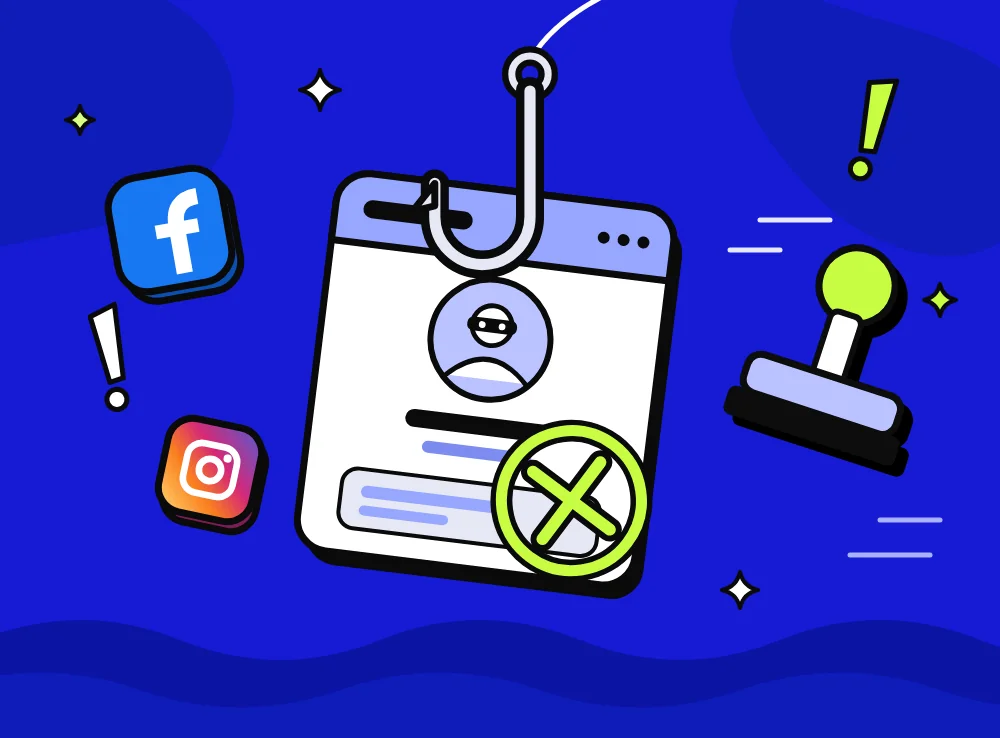
A social media phishing takedown service finds fake accounts, pages, ads and phishing posts on social platforms and gets them removed. Most providers ranking for phishing takedown focus on websites and domains, which is a different job from removing fake social accounts. Spikerz takes down phishing and impersonator accounts and pages across the major social platforms, but it doesn't take down websites or domains. Large brands usually get the best coverage by pairing a social specialist with a domain takedown provider and agreeing who handles each handoff. Takedown pricing depends on scope, such as accounts, executives, platforms and analyst time, so ask each vendor for a quote.
A social media phishing takedown service is a provider that finds the fake accounts, pages, ads and posts used to phish your customers or staff, then gets the platforms to remove them. Spikerz covers that social layer across the major social platforms.
One thing to know before you compare vendors: most providers that rank for "phishing takedown" focus on phishing websites and domains. That's a different job. Spikerz takes down phishing and impersonator accounts and pages on social platforms, but it doesn't take down websites or domains. If your threat model includes lookalike domains and cloned login pages, and for most large brands it does, pair Spikerz with a domain takedown provider. This guide explains who does what, so you can build the right pairing instead of buying two tools that overlap.
What is a social media phishing takedown service?
A social media phishing takedown service is a vendor that monitors social platforms for content impersonating your brand or your people, collects evidence, and files removal requests under each platform's rules. The targets are things like a fake "customer support" account replying to your followers, a cloned brand page running a giveaway, a scam ad using your logo, or a lookalike profile sending DMs with a phishing link.
Two terms get mixed up a lot, so here's how we use them:
- Phishing takedown: removing the thing that steals credentials or money, such as a fake login page, a scam post or a phishing link in a comment.
- Impersonation takedown: removing an account, page or ad that pretends to be your brand, an executive or your talent. On social media, most phishing starts with impersonation, so the two jobs usually happen together.
Why do brands need takedowns on social platforms, not just domains?
Brands need social takedowns because that's where a growing share of scams now reach people first. In 2025, people told the FTC they lost $2.1 billion to scams that started on social media, far more than for any other way scammers made contact1. Nearly 30% of people who reported losing money to a scam said it began on social media1.
Impersonation sits at the center of it. The FTC says people reported losing nearly $1 billion to business impersonators in 20252. In September 2026 it asked for public comment on whether its impersonation rule should cover platforms whose ad tools help scammers pose as real businesses, noting that many people said they were first contacted on social media3. Meta has described the same pattern from the platform side: scammers create impostor accounts of public figures and use their photos in ads designed to look real4.
Phishing websites haven't gone away either. The Anti-Phishing Working Group counted 1,069,681 phishing attacks in the second quarter of 2026, with the social media sector the target of 8.5% of them5. In practice, the two problems feed each other. A fake support account on X sends people to a cloned login page, and the cloned page collects the passwords. Taking down only one half leaves the other half running.
Which social media phishing takedown services should you compare?
You should compare providers by where they take things down, because that's where they differ most. The table below summarizes what each vendor says it covers on its own public website, checked in October 2026.
| Provider | Main focus | Social accounts, pages and ads | Phishing websites and domains | Best fit |
|---|---|---|---|---|
| Spikerz | Security for brand social accounts | Accounts and pages, plus scam comments and DM scanning | No, pair with a domain provider | Brands whose phishing reaches people through social |
| Netcraft | Phishing and cybercrime takedown | Lists a social media protection service | Yes, a core focus | Website and domain takedowns at scale |
| PhishFort | Managed brand protection and takedowns | Yes, fake profiles across major platforms | Yes, fake websites and lookalike domains | Crypto, finance and gaming brands |
| ZeroFox | External cybersecurity | Yes, as part of brand protection | Yes, brand and domain protection | Security teams that also want threat intelligence |
| Fortra | Brand protection (formerly PhishLabs) | Yes, fake accounts and scams | Yes, phishing sites and lookalike domains | Teams that want analyst-reviewed takedowns |
| Bolster AI | Automated fraud and impersonation takedowns | Yes, fake profiles and scam ads | Yes, fake websites and lookalike domains | Broad coverage with automation |
| Doppel | Social engineering defense | Yes, social and ad networks | Yes, domains and registrars | Teams that also want staff training |
Social account takedown: Spikerz
Spikerz is a digital marketing security platform built around the social accounts brands market through. For phishing, it works on three fronts. It scans for accounts impersonating your brand, executives or talent, rates each by severity and follower count, and lets you choose whether Spikerz only flags them or handles the takedown. It catches phishing and scam comments on all six platforms and can hide or remove them automatically, and it scans DMs for phishing on Facebook and Instagram. It also protects the team side: messages sent to Spikerz-managed recovery emails and phone numbers are checked for phishing and fake platform alerts before they reach anyone.
What it doesn't do matters just as much. Spikerz doesn't take down phishing websites or domains, doesn't do marketplace counterfeit enforcement and doesn't promise removal times, because platforms make the final call. If you're weighing it against broader platforms, our roundup of social media brand protection tools sets out the wider options.
Domain and website takedown specialists
Netcraft is best known for taking down phishing sites and the infrastructure behind them. Its website lists domain protection, mobile app protection and social media protection among its services, and it emphasizes finding attacks before they go live.
PhishFort describes itself as a managed brand protection and takedown company. It removes fake websites and lookalike domains, malicious apps on Apple and Android stores, and fake profiles across major social platforms. Its site names crypto exchanges and wallets first among the industries it serves, alongside casinos, sportsbooks and financial services.
Digital risk protection platforms
ZeroFox positions itself as an external cybersecurity platform. Brand and domain protection sit alongside executive protection, threat intelligence and physical security intelligence, and it describes disrupting abuse through its own takedown network.
Fortra Brand Protection, formerly PhishLabs, covers fake social accounts, phishing sites, lookalike domains and dark web exposure. Its site stresses quick takedowns backed by automated workflows and expert analyst review.
Bolster AI focuses on automating detection and takedown. It lists phishing and fake websites, scam ads, fake social profiles, fake marketplace listings and fake apps among the threats it covers.
Doppel calls itself a social engineering defense platform. Alongside brand protection across social, domains, ads and telecom channels, it offers executive protection and security awareness training. If one of these three is on your shortlist, our comparisons of Spikerz vs ZeroFox, Spikerz vs Bolster and Spikerz vs Doppel show how each lines up against a social specialist.
Do you need one provider or two?
Most large consumer brands need two kinds of coverage, and the cleanest split is by where the threat lives. Use a social specialist for anything on Instagram, Facebook, TikTok, YouTube, LinkedIn and X, and a domain takedown provider for phishing websites, lookalike domains and hosting. Broad digital risk platforms try to cover both, which can suit a security team that wants one contract, but check how deep their social coverage goes before you assume it replaces a social specialist.
Here's a simple way to divide the work:
- Fake support accounts, cloned brand pages and impersonating profiles: social takedown provider.
- Phishing links posted in your comments, DMs or live chat: social takedown provider, which also hides or removes the comment.
- Scam ads that use your brand or an executive's face: report the ad through the platform's ad reporting, and send the account behind it to your social takedown provider.
- The cloned login page or fake store the link points to: domain takedown provider.
- Lookalike domains registered before an attack: domain takedown provider.

The handoff between the two is where cases get lost. Agree who reports the domain when your social provider finds a fake account linking to it, and make sure both vendors can share evidence such as screenshots, URLs and timestamps.
What should you look for in a social media takedown provider?
Look for coverage of the platforms your audience uses, evidence good enough for platform reviewers, and controls that stop real fans being reported by mistake. These are the questions worth asking in every demo:
- Which platforms are covered, and which actions run on each? Detection and takedown often differ by platform, so ask for the list in writing.
- Does it cover executives and talent, not just the brand? Scammers often pose as a founder or a well-known employee because people trust a face.
- How does it separate fans and parody from threats? Reporting a fan account damages goodwill and wastes the platform's patience with your reports.
- Who approves takedowns? You should be able to review the first cases yourself, then automate once you trust the results.
- Does it handle what the fake account posts, too? A phishing reply under your post needs to come down right away, even while the account report is still being reviewed.
- Can it export evidence and history? Legal and security teams will ask for it, and so will the platform when you escalate.
- How does it fit your security stack? Look for SSO, user provisioning and a way to send events to your SIEM.
How much do phishing takedown services cost?
Phishing takedown pricing depends on scope, so vendors quote it case by case and you'll need to ask each one directly. The main factors are the number of brands, accounts and executives monitored, the platforms and channels covered, whether takedowns are included or charged per case, and how much analyst time you get. Contract length and the number of user seats can also move the price.
When you compare quotes, compare what's included rather than the headline figure. A low quote that charges for every takedown can cost more during a launch or a viral moment, which is exactly when impersonators show up in numbers.
What patterns show up across brand accounts?
In the brand accounts we protect, social phishing tends to follow the brand's own calendar. Big launches, ticket drops, giveaways and live events bring a wave of lookalike accounts within hours, many posing as customer support and replying directly under the brand's posts. The reply looks helpful, then moves the person into DMs or onto a link.
Executives who don't use social media are another blind spot, because a fake account in their name has no real profile to be measured against. Our guide to detecting phishing on social media covers the warning signs your team should watch for.
How should you run takedowns once a provider is in place?
Run takedowns as a shared process between marketing and security, with clear owners and a fast lane for urgent cases. Teams that handle this well tend to follow the same steps:
- Name an owner. One person in security or brand protection approves takedowns and handles escalations.
- List what you protect. Include every official account, regional page, executive and talent profile, plus the handles you've reserved but don't use.
- Set severity rules. An account phishing your customers gets reported immediately, while a dormant lookalike can wait for the weekly review.
- Clean up the damage on your own posts. Hide or remove phishing comments right away, even before the account behind them is gone.
- Hand off domains. Send any phishing website or domain to your domain takedown provider the same day.
- Tell your audience. A pinned post or story saying how you'll contact customers makes the next impersonator less convincing.
For platform-by-platform reporting steps, see our guide on how to report a Facebook impersonation, and read what social media phishing looks like for real examples to train your team on.
Find your impersonators
If fake accounts are already replying to your followers or running ads in your name, it's worth seeing the full picture. Book a consultation with Spikerz to learn how phishing protection and impersonator takedown work together across your social accounts.
Sources
- Reported losses to scams on social media eight times higher than in 2020, Federal Trade Commission Data Spotlight, April 2026
- FTC data show people reported losing $3.5 billion to imposter scams in 2025, Federal Trade Commission, June 2026
- FTC seeks public comment on whether to update rule on impersonation of government and businesses to address platforms' role in promoting impersonation scams, Federal Trade Commission, September 2026
- Testing new ways to combat scams and help restore access to compromised accounts, Meta, October 2024
- Phishing activity trends report, 2nd quarter 2026, Anti-Phishing Working Group, August 2026