Top 5 AI-powered phishing detection tools for 2026

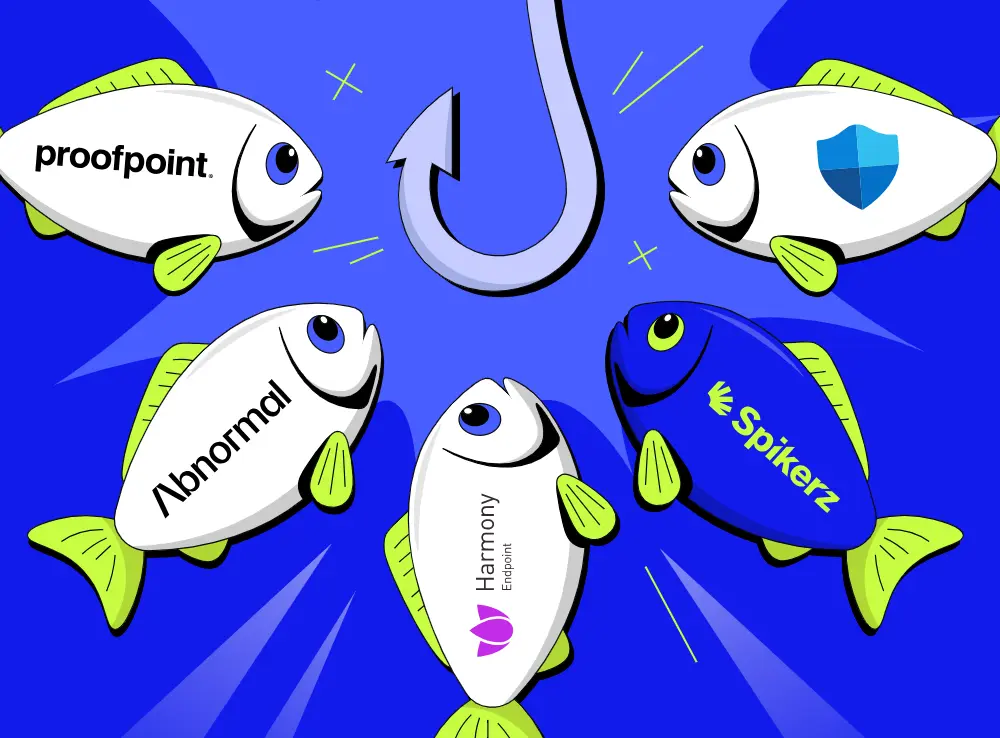
AI-generated phishing has surged 1,265% since 2023, and most detection tools still only watch your inbox. See how the top 5 AI phishing tools for 2026 stack up on email, DMs, comments, and impersonation, and which one actually covers where your brand lives on social media.
Phishing stopped being a badly spelled email a long time ago. Attackers now use generative AI to write flawless, personalized lures and push them across email, DMs, comments, and fake ads faster than any human team can react. The hard part is no longer spotting a typo, it's matching the speed and spread of the attack.
That’s who in this guide we cover the best AI-powered phishing detection tools available in 2026, what to look for in a strong platform, and which five tools deserve a spot on your shortlist.
What is AI-powered phishing detection?
AI-powered phishing detection uses machine learning models to identify and block phishing attempts before they reach your audience. The standard definition centers on scanning emails for malicious links and attachments. However, its real value shows when it reads intent and behavior, not just keywords.
The strongest tools now cover the DMs, comments, and impersonation attempts that target your brand on social media.
Why AI phishing detection matters
AI phishing detection protects revenue, customer trust, and business continuity. Here’s a brief overview of the reasons why you need to pay attention:
- AI-generated phishing jumped from under 5% to 56% of detected attacks in a single month at the end of 2025, a roughly 14x surge, per Hoxhunt.
- Reports attribute a 1,265% rise in phishing to generative AI since 2023.
- A finance worker at engineering firm Arup wired $25 million to fraudsters after a video call filled with AI-generated deepfakes of the company's leadership.
The good news is that businesses that move from reactive cleanup to proactive, automated detection can stop most of these attacks before a customer ever clicks.
Why traditional filters fall short
Legacy, rule-based filters struggle against AI phishing. Spelling mistakes and clumsy grammar used to be the main giveaway, but AI erased those signals.
What’s worse is that most detection tools only guard your email. Phishing that lands in your Instagram DMs, your comment sections, or an impersonator slips right past them.
Ask yourself: where does your audience actually get targeted?
If your brand lives on Instagram, TikTok, or YouTube, your inbox filter is protecting the wrong entry point.
Key features to look for in AI phishing detection tools
The right tool does more than simply flagging a bad link, so you should weigh each option against the features that will actually reduce your risk.
- Multi-channel coverage: Detection that works across email, DMs, comments, and ads.
- Behavioral and sentiment analysis: AI that reads intent and context, so it catches lures with no obvious keywords.
- Automated takedown and removal: The tool acts on threats in real time instead of just leaving a queue of manual reports.
- Impersonation detection: The ability to find and remove fake accounts and lookalike profiles that phish your audience.
- Speed and 24/7 monitoring: Round-the-clock coverage, since attacks launch in hours and spread just as fast.
Comparison: best AI-powered phishing detection tools
The table below compares key multi-channel and infrastructure protection capabilities across the top five tools. When a platform doesn't natively offer a specific service, it's marked N/A.
| Capability | Spikerz | Check Point Harmony | Abnormal Security | Proofpoint | Microsoft Defender for O365 |
|---|---|---|---|---|---|
| Impersonator detection and removal | AI detects and fully removes fake accounts, 95% removal rate, taken down in hours | N/A | N/A | N/A | N/A |
| Phishing and scam protection | AI detects and removes phishing and scams across posts, DMs, and comments, fully automated | AI-driven threat prevention and real-time zero-phishing site blocking | AI behavioral analysis flags social engineering and phishing domains | Gateway-level URL scanning via predictive sandboxing | Safe Links rewrites and removes URLs at runtime click |
| Comment & DM moderation | AI scans comments and DMs, removes harmful content, blocks risky users automatically | N/A | N/A | N/A | N/A |
| Unified access view | All accounts and permissions in one view, no asset-by-asset browsing | Single console for email, endpoint, network alerts | Unified dashboard for email and cloud workspace identities | Centralized targeted threat dashboard for enterprise telemetry | Integrated Microsoft Defender XDR security portal |
| Access revocation | Revokes access at the social platform level instantly | N/A | Blocks compromised accounts via API integration | N/A | Identity isolation via Microsoft Entra ID |
| Permissions control | Granular roles, access levels, and exposure risk scoring | Policy-based administration across workspaces | Mailbox-level risk scoring and behavior baselines | Very Attacked People (VAP) isolation profiles | Role-Based Access Control (RBAC) and security tiers |
| Onboarding & offboarding | Instant revoke when employees or vendors leave | Automated policy updates | API-driven identity synchronization | Directory sync management | Native M365 automated lifecycle management |
| Active hack prevention | Real-time rules block unauthorized logins and stop attacks as they happen | Inline threat blocking via ThreatCloud AI | Real-time mailbox-level remediation | Gateway-level mail dropping and blocking | Real-time sandboxing and tenant isolation |
| 24/7 security team | Dedicated social media security team on call around the clock | Global Managed Detection and Response (MDR) | N/A | Managed threat analysis services available | N/A |
| Account backup | Backs up social media data to prevent permanent loss after an attack | N/A | N/A | N/A | Native Exchange Online archiving and backup |
| Data breach detection | Monitors for and alerts on social media data breaches in real time | Correlates info-stealer logs across networks | Tracks Vendor Email Compromise (VEC) and domain spoofing | Monitors for leaked credentials and data exfiltration | Monitors for corporate data leakage across cloud apps |
| Employee protection | Secures all employees' personal profiles alongside brand accounts | Focuses on corporate endpoints and business emails | Protects corporate communications and identities | Focuses on enterprise executive profiles (VAP) | Protects corporate identities across enterprise licenses |
| Audit logs | Full social media access and activity logs for forensics | Extensive unified forensic and event logs (SmartEvent) | Full identity interaction and mail logs | Granular forensic trails for security analysts | Native SIEM-ready advanced hunting and audit logs |
| Operational fit | Built for marketing and security teams, easy setup, immediate value | Built for enterprise IT and cross-layer security teams | Built for SOC teams, API-native deployment in minutes | Built for large enterprises requiring gateway protection | Built for Microsoft-native environments, no new procurement |
5 best AI-powered phishing detection tools
Every tool below is a strong choice, and the right one depends on where your phishing risk actually is. If your exposure is your email, most of these tools will do. If your brand lives on social media, there’s one that stands apart.
1) Spikerz

Spikerz is a social media security platform that detects and removes phishing across social media. It connects through official APIs in a few clicks (with no passwords or credentials shared).
What does Spikerz have to offer?
- Account takeover protection: Real-time monitoring and rules that block unauthorized logins and stop hijacking attempts as they happen.
- Impersonator takedown: AI face and similarity detection that finds and removes fake accounts, with a 95%+ removal rate on Meta (often in hours).
- Phishing protection: 24/7 AI scanning of comments and DMs that filters phishing links and scams before they reach you or your audience.
- Comment moderation: Automatic detection and removal of spam, scams, and harmful comments across platforms in more than 25 languages.
- Permissions management: A single dashboard to control who can access every social account, with instant offboarding when people leave.
Who benefits the most from using Spikerz?
Spikerz is built for brands, social and content teams, agencies, and creators who earn income or hold reputation on social media.
How is Spikerz different from the rest?
Every other tool on this list mainly defends your email. Spikerz defends your social channels. It also acts, not just alerts, removing fake accounts and harmful messages automatically instead of handing you a report to file.
2) Check Point Harmony
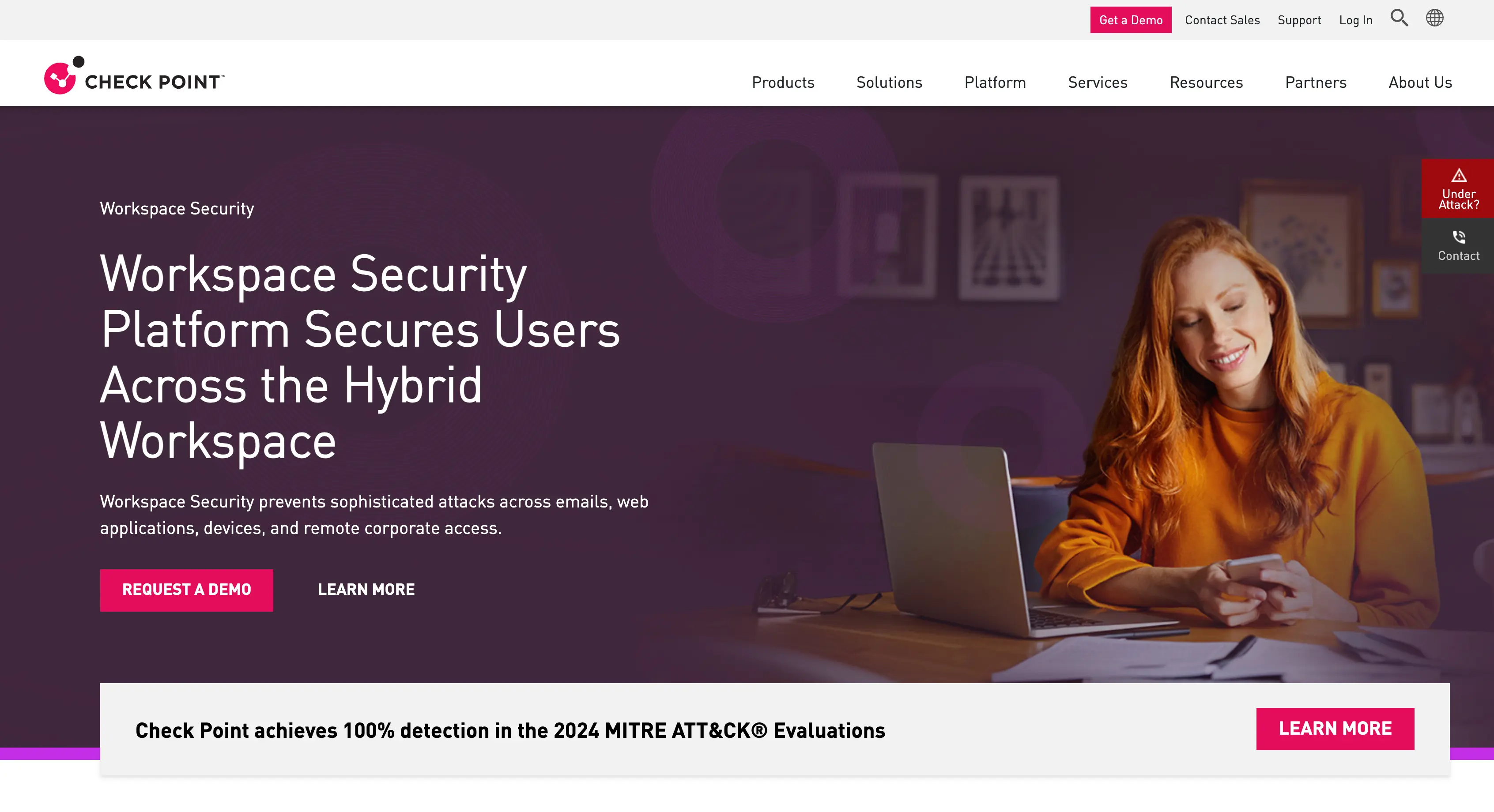
Check Point Harmony Email & Collaboration is an enterprise-grade platform that stops phishing, malware, and account takeover across email and collaboration apps. It uses AI to block malicious messages before they reach the user, sitting inline between the attacker and your team's inbox.
What does Check Point Harmony have to offer?
- ThreatCloud AI threat prevention: Blocks known and unknown threats using intelligence pulled from a global sensor network.
- Zero-phishing real-time site blocking: Identifies and blocks phishing sites at the moment someone clicks.
- Inline malware and URL analysis: Scans links and attachments before delivery, not after the fact.
- Unified console for email and endpoint alerts: Correlates incidents across your stack in a single view.
- Managed Detection and Response (MDR): A dedicated team monitors and responds around the clock.
Who benefits the most from using Check Point Harmony?
Check Point Harmony is best used for enterprise IT and security teams that want cross-layer email, endpoint, and network protection in one stack.
How is Check Point Harmony different from the rest?
Check Point is ideal for deep, inline network-and-email threat prevention backed by a global MDR team. Its focus is corporate infrastructure and the inbox, so it doesn’t cover social media impersonation, comments, or DMs.
3) Abnormal Security
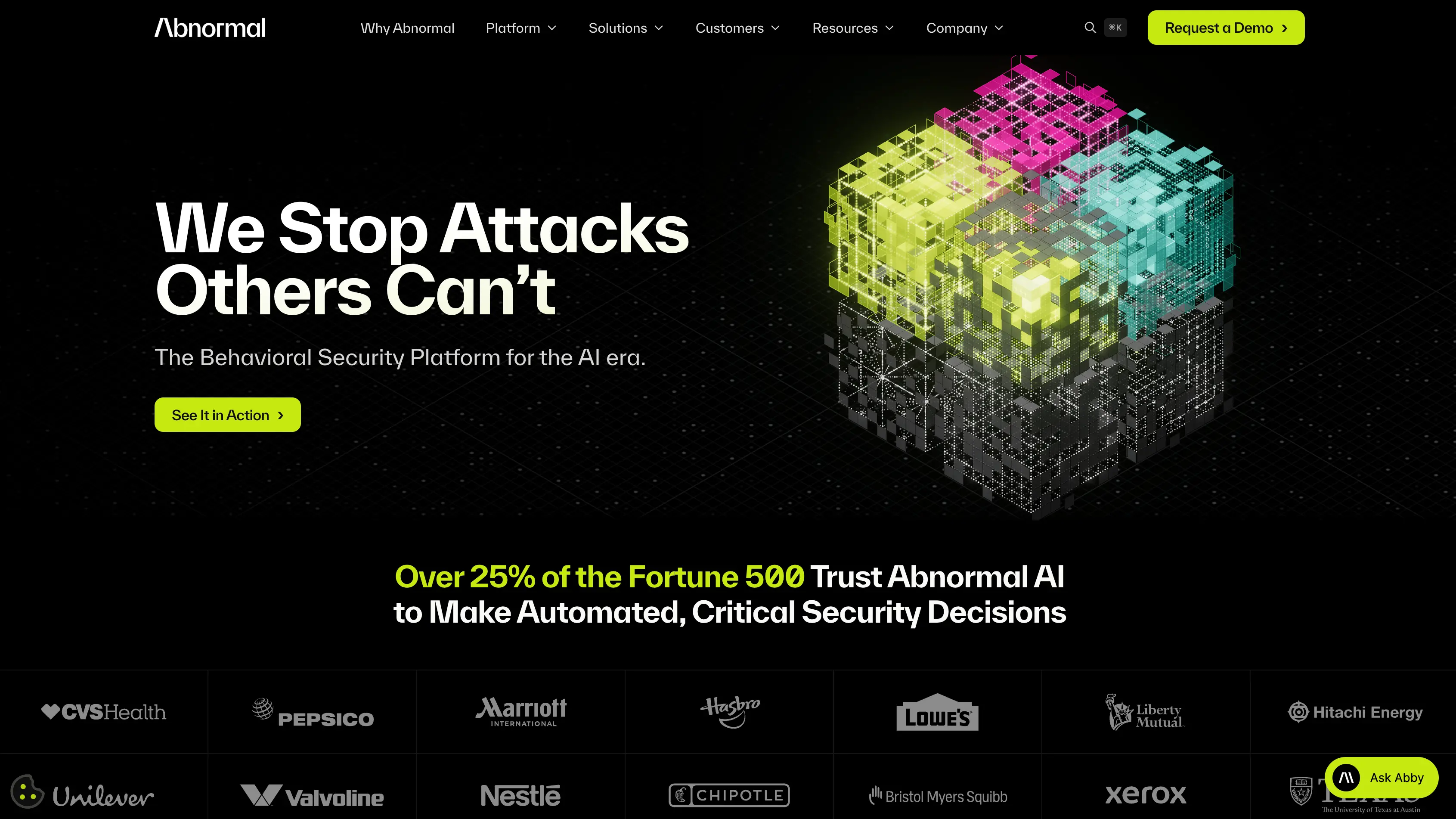
Abnormal Security uses behavioral AI to learn how people and systems normally communicate. It then flags messages that break that pattern, which is how it catches business email compromise and social engineering that keyword filters miss.
What does Abnormal Security have to offer?
- Behavioral AI detection: Builds a baseline of normal communication and flags deviations.
- Vendor Email Compromise (VEC) and domain spoofing tracking: Catches supplier fraud and lookalike domains.
- API-native deployment: Connects to Microsoft 365 or Google Workspace without changing your mail flow.
- Compromised account blocking: Automatically locks and restores accounts once takeover is detected.
- Unified dashboard for email and cloud workspace identities: One view across mailboxes and identity events.
Who benefits the most from using Abnormal Security?
Abnormal Security serves SOC teams and larger organizations that want fast, API-based email protection with strong behavioral analysis.
How is Abnormal Security different from the rest?
Abnormal's edge is a behavioral modeling platform that spots account and vendor compromise. It lives in your email and cloud workspace, so social media phishing and impersonation aren’t covered in its scope.
4) Proofpoint
Proofpoint is an enterprise email security platform. It scans and sandboxes messages at the gateway and builds protection around the people attackers target most.
What does Proofpoint have to offer?
- Gateway-level URL scanning with predictive sandboxing: Removes suspicious links before delivery to catch zero-day threats.
- Very Attacked People (VAP) profiling and isolation: Identifies your highest-risk employees and hardens their protection.
- Leaked credential and data exfiltration monitoring: Tracks stolen credentials and data movement across cloud apps.
- Centralized targeted threat dashboard: Rolls up enterprise telemetry for security analysts.
- Managed threat analysis services: Adds an expert layer on top of the automated detection stack.
Who benefits the most from using Proofpoint?
Proofpoint is ideal for large enterprises that need heavy gateway protection and want to prioritize defense around high-risk individuals like executives and finance leads.
How is Proofpoint different from the rest?
Proofpoint's strength is enterprise-scale gateway filtering and its people-centric VAP model. It's built for executive email risk, not for social media.
5) Microsoft Defender for Office 365
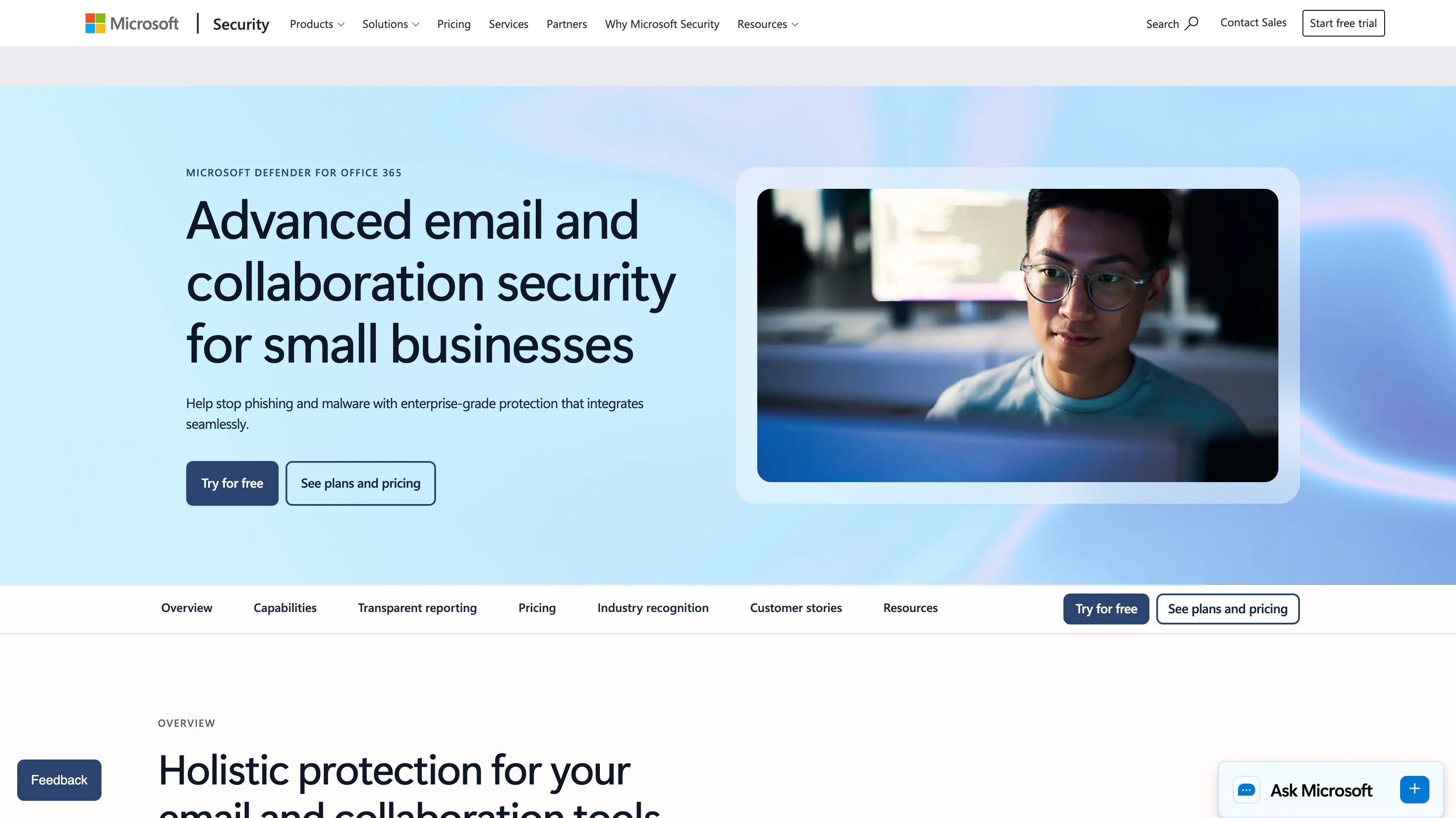
Microsoft Defender for Office 365 is the built-in email and collaboration protection inside Microsoft 365. It scans links and attachments and ties into the wider Microsoft security stack, so protection extends across identity, endpoint, and cloud apps.
What does Microsoft Defender for Office 365 have to offer?
- Safe Links runtime URL detonation: Rewrites and checks URLs at the moment of click, not just at delivery.
- Real-time sandboxing and tenant isolation: Runs suspicious attachments in isolated environments.
- Identity isolation via Microsoft Entra ID: Locks compromised accounts through native identity controls.
- Role-Based Access Control: Limits who can see and act on security data.
- Native Exchange Online archiving and backup: Keeps mail data recoverable inside the platform.
- SIEM-ready advanced hunting logs: Feeds Sentinel or third-party SIEMs for deeper investigation.
Who benefits the most from using Microsoft Defender for Office 365?
Microsoft Defender for Office 365 is ideal for organizations already standardized on Microsoft 365. It often ships inside existing E5 licenses.
How is Microsoft Defender for Office 365 different from the rest?
Defender's advantage is native integration and lifecycle management inside Microsoft 365. It protects Microsoft identities and inboxes, so it does nothing for phishing that targets your brand on social media.
Conclusion
AI phishing is faster, cheaper, and more convincing than anything that came before. Your customers are being pitched fake giveaways in your comments right now, fake versions of your executives are DMing your followers, ad accounts are being cloned to launder scam offers, and email protection can’t see any of it.
The good news is that Spikerz was built exactly for this. It scans, detects, and removes phishing across your social media. If you want protection that keeps pace with where attackers moved, book a demo with Spikerz and see it work on your accounts.
.webp)