5 Ways Attackers Take Over Brand Instagram Accounts (And How to Stop Each One)

Summary:
Brand and creator Instagram accounts are taken over through five routes: fake copyright-violation notices, fake verification offers, reverse-proxy phishing pages, session-cookie theft via malware, and reused or shared credentials. Four of the five bypass two-factor authentication entirely, because they capture an already-authenticated session rather than a password: the login succeeds, and nothing looks wrong. This article walks through how each attack works, what it looks like from the account owner's side, and the control that stops it, which sits on the session rather than the password.
5 Ways Attackers Take Over Brand Instagram Accounts
Brand Instagram accounts are typically taken over through five routes: fake copyright-violation notices, fake verification offers, reverse-proxy phishing pages that capture the session rather than the password, malware that steals session cookies from a logged-in browser, and reused or shared credentials. Four of the five bypass two-factor authentication entirely, because they steal an already-authenticated session instead of a password.
This page covers how each attack works, what it looks like from the account owner's side, and the specific control that stops it.
1. The copyright violation scam
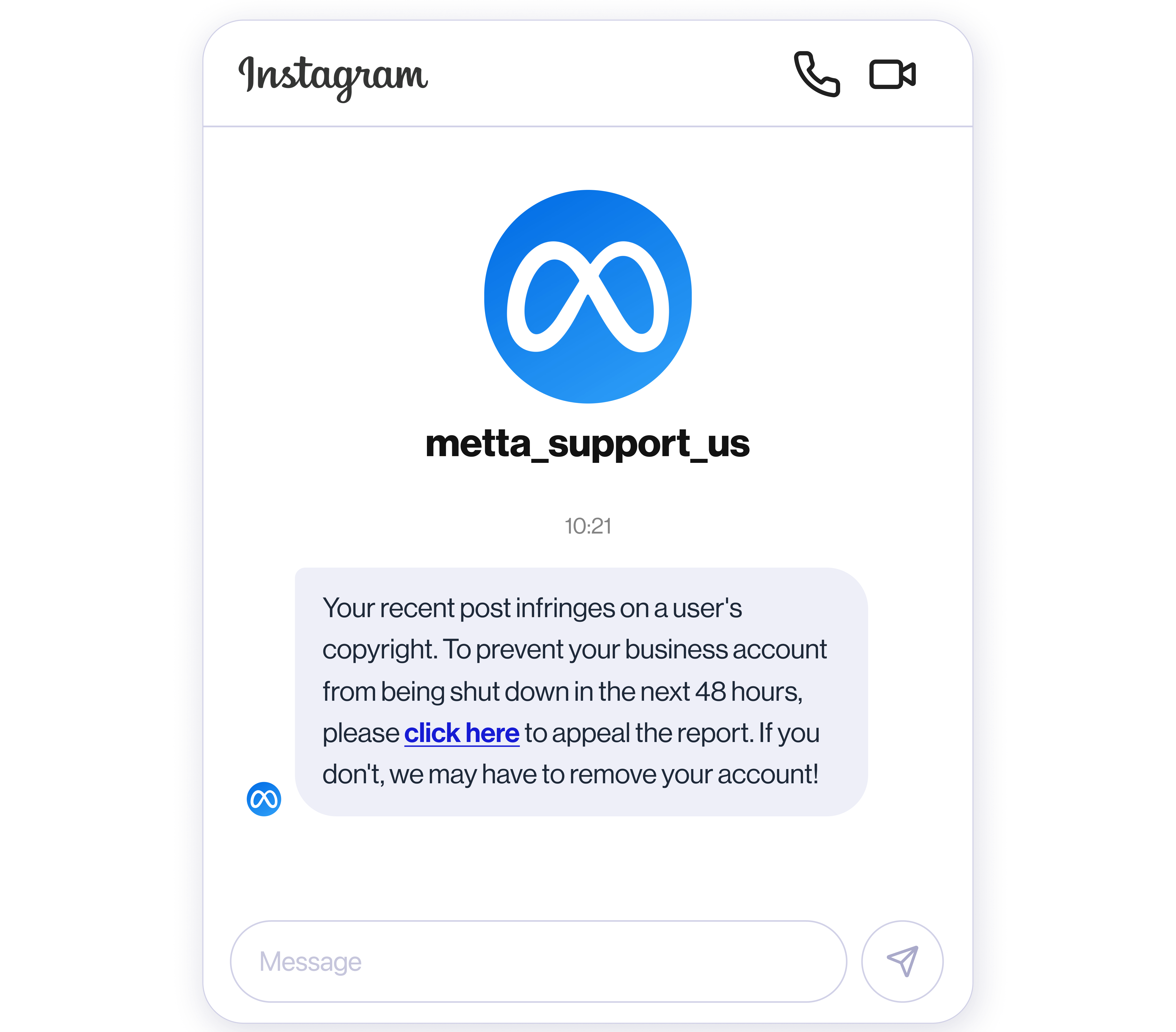
An account receives a DM or email claiming a post infringes someone's copyright, with a link to "appeal within 24 hours." The link goes to a page that looks like Instagram's help centre and asks for the account login.
Why it works on brands specifically: brand accounts genuinely do receive copyright notices, and the person managing the account is often a junior social manager or an agency contractor who has never seen a real one. The deadline pressure does the rest.
What it looks like: the sender is a normal Instagram account, not an official one. Instagram sends real copyright notices through the app's Support Requests inbox, never by DM and never with an external appeal link.
What stops it: train the account team to verify every notice inside Settings → Account Status. Nothing that arrives by DM requires a login.
2. The blue check / verification scam
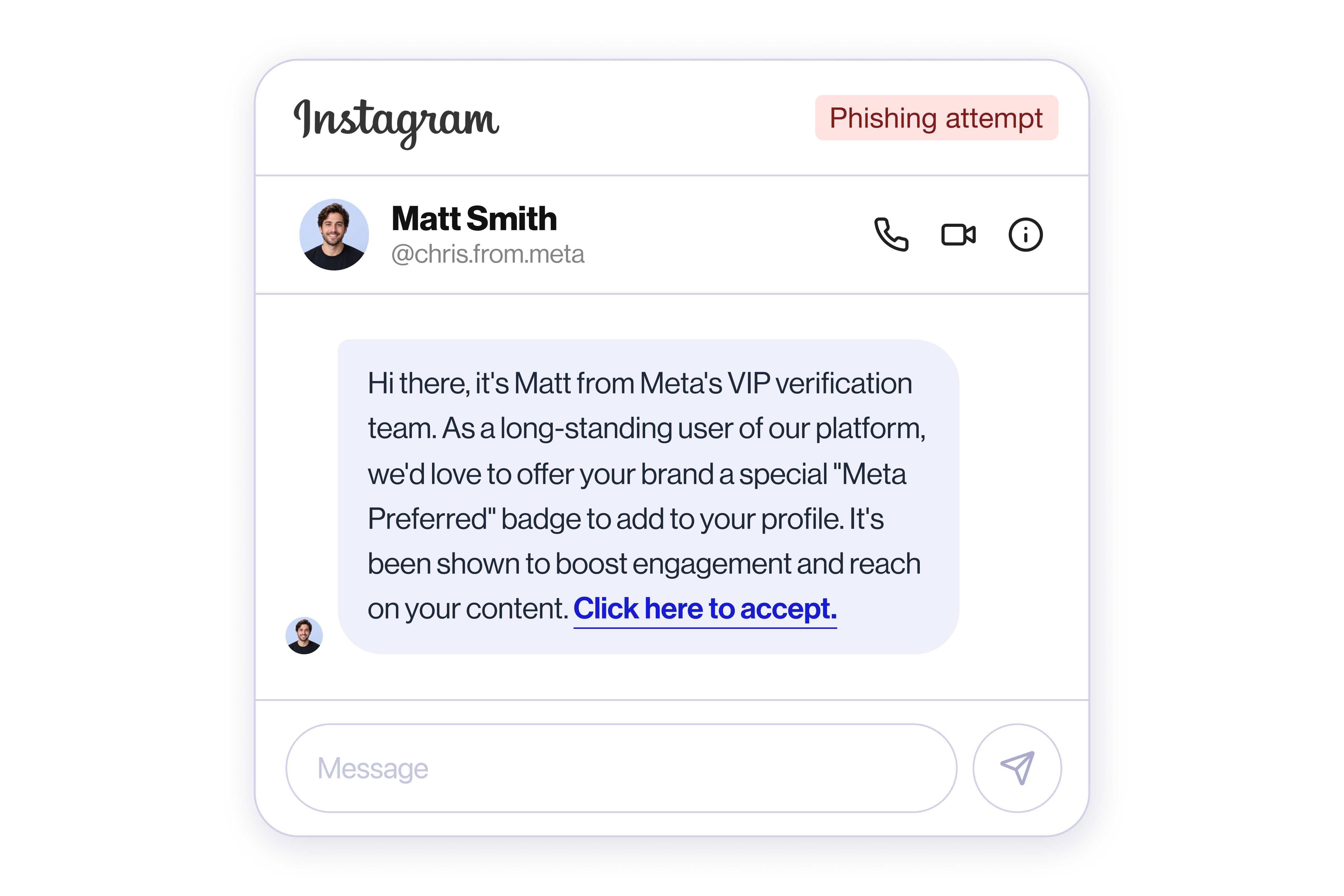
A message offers verification, a badge, a "creator programme" invitation, or a paid partnership, and routes to a login page or an app-authorisation screen.
Why it works on brands: verification is something most brand accounts actually want, and the request often arrives when a legitimate application is already pending.
What it looks like: any verification path that isn't inside Instagram's own settings. Also watch for OAuth prompts asking a third-party app for full account permissions. The attacker doesn't need your password if you hand them an access token.
What stops it: an access audit. Every connected app with posting or admin permission on the account should be on a list someone owns and reviews.
3. Reverse-proxy phishing (the one that beats 2FA)
The attacker stands up a page that sits between the victim and the real Instagram. The victim types their real password and their real 2FA code, the proxy passes both to Instagram, Instagram authenticates the session, and the attacker keeps the resulting session cookie.
Why this matters more than the other four: the victim did everything right. Correct password, correct 2FA code, real login. Two-factor authentication does not prevent this attack, because nothing about the password was stolen. The session was.
What it looks like: nothing, from the user's side. The login works. The only visible signal is on the account side. A session from an unfamiliar device, location, or IP appearing minutes after a normal login.
What stops it: detection on the session, not on the password. Something has to be watching for an anomalous active session and be able to end it.
4. Malware and session cookie theft
Infostealer malware on a device with a logged-in browser copies the session cookies for every service that device is signed in to. The attacker imports the cookie and is inside the account without ever seeing a password.
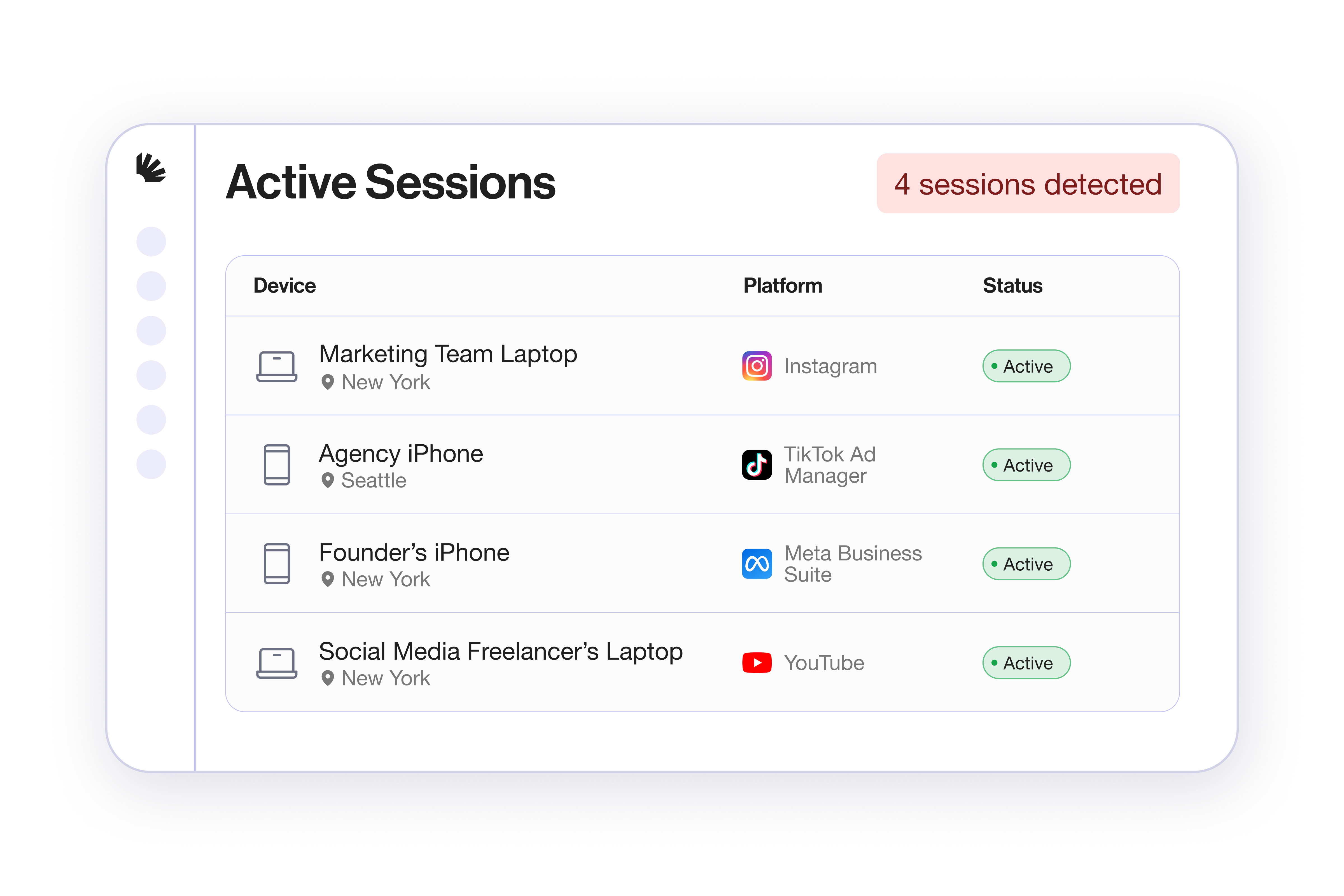
Why brands are exposed: brand accounts are accessed from more devices than personal ones: an agency laptop, a founder's phone, a freelancer's machine, a shared office computer. Each one is a separate chance for this.
What it looks like: a session that appears without a corresponding login event.
What stops it: the same control as above (active session monitoring with the ability to revoke) plus limiting how many devices legitimately hold a live session at all.
5. Reused, shared, and never-rotated credentials
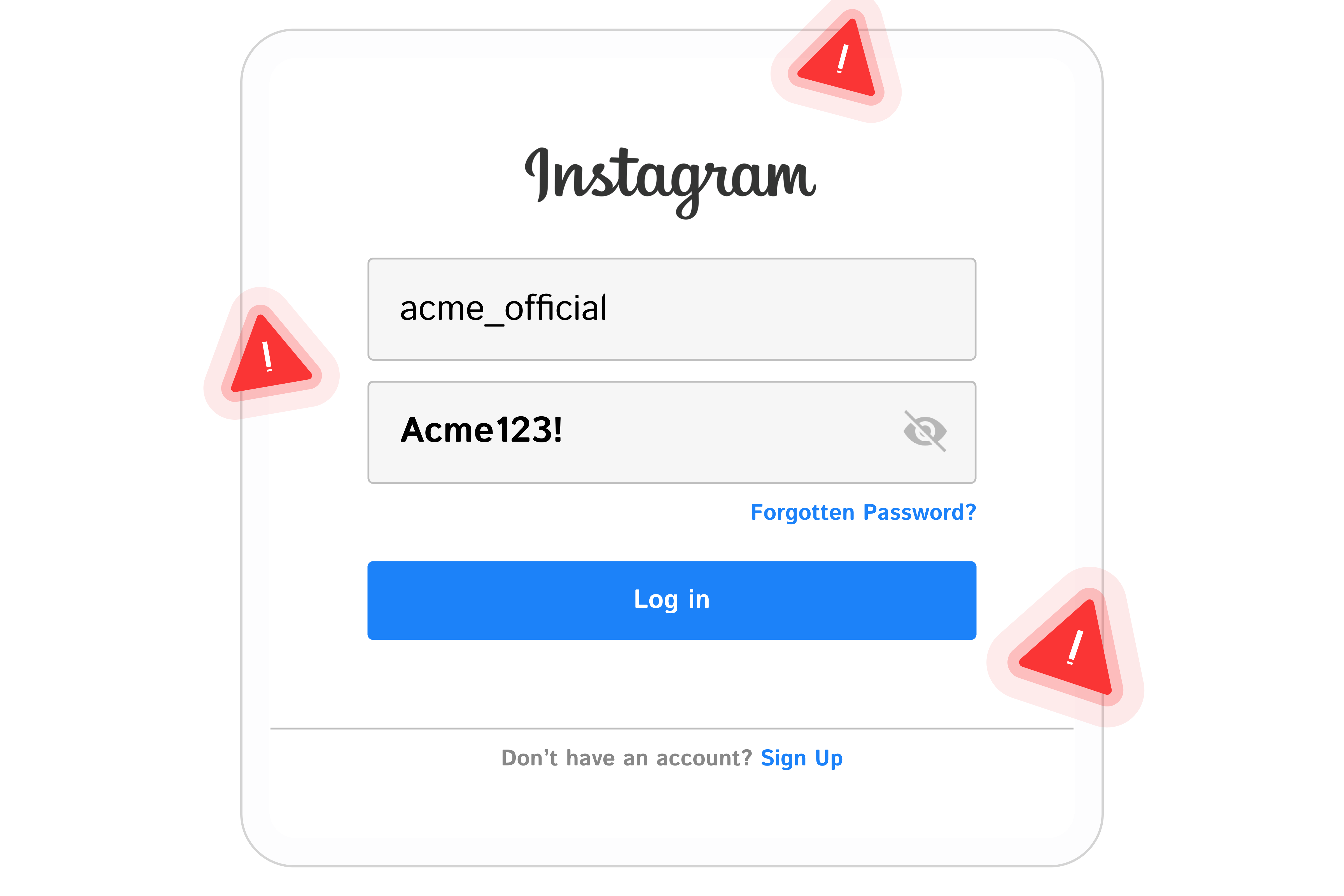
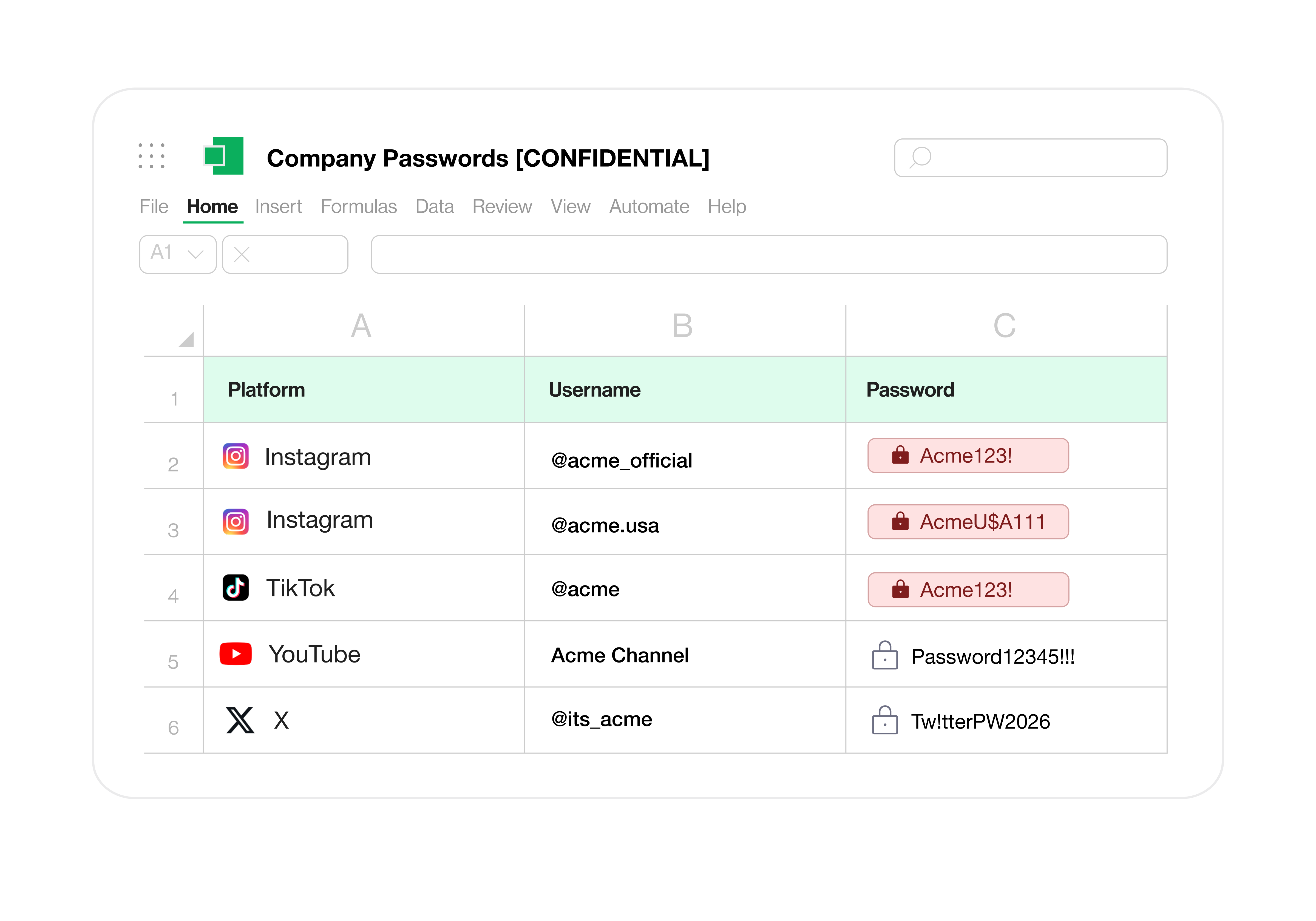
The password is in a shared password doc, a pinned Slack message, or a departed contractor's password manager. Or it's reused from a service that has since been breached.
Why this is the most common one and the least discussed: it isn't an attack so much as a standing condition. Most brand social accounts have more people holding valid credentials than the company can name.
What it looks like: you can't tell. That's the problem. A login with the correct credentials from a former employee is indistinguishable from a legitimate one.
What stops it: removing shared passwords as a practice, and running an access audit against the actual list of people and apps that can authenticate today.
What actually stops four of these five
Three of the five attacks above (reverse proxy, malware, and credential reuse) end with an attacker holding a valid authenticated session. Two-factor authentication is already satisfied at that point. The control that matters is on the session itself.
Spikerz monitors connected brand accounts for login anomalies and, when one fires, rotates the account password and terminates every active session automatically, without waiting for someone to notice and respond by hand. It also maintains a list of every human and connected app holding access across Instagram, TikTok, Facebook, YouTube, LinkedIn and X, which is what closes route five.
See whether any of this is already happening on your accounts
Every brand's exposure looks different. An agency managing forty client accounts has a different problem from a single brand with six channels and a founder who still posts from their phone.
Start with a conversation. Tell us what you're actually worried about (the ex-contractor who might still have Business Manager access, the scam replies under every paid post, the executive whose face keeps appearing on fake profiles) and we'll walk you through how Spikerz handles it: what it detects, what it does automatically when something fires, and what it doesn't cover.
If it looks like a fit, the next step is connecting a channel so we can show you what's happening on your own accounts rather than a demo environment. Plenty of conversations stop before that, and that's fine.
